RevPrime® GTM Hub for sales-led B2B SaaS & AI

Plan, campaigns and deals in one place, for your team and your agents.

In the GTM Hub, your revenue, marketing, sales and content teams plan, execute and measure, together with your AI agents. The agents prepare reports, draft campaign content, spot risks in deals and propose tasks, using your company's knowledge and definitions. You and your team decide what changes: every change an agent makes is a proposal. Outside figures come through the Data Hub, and you get your own instance.

  • Your own instance
  • Agents change things only through proposals
  • German and English
  • Export any time
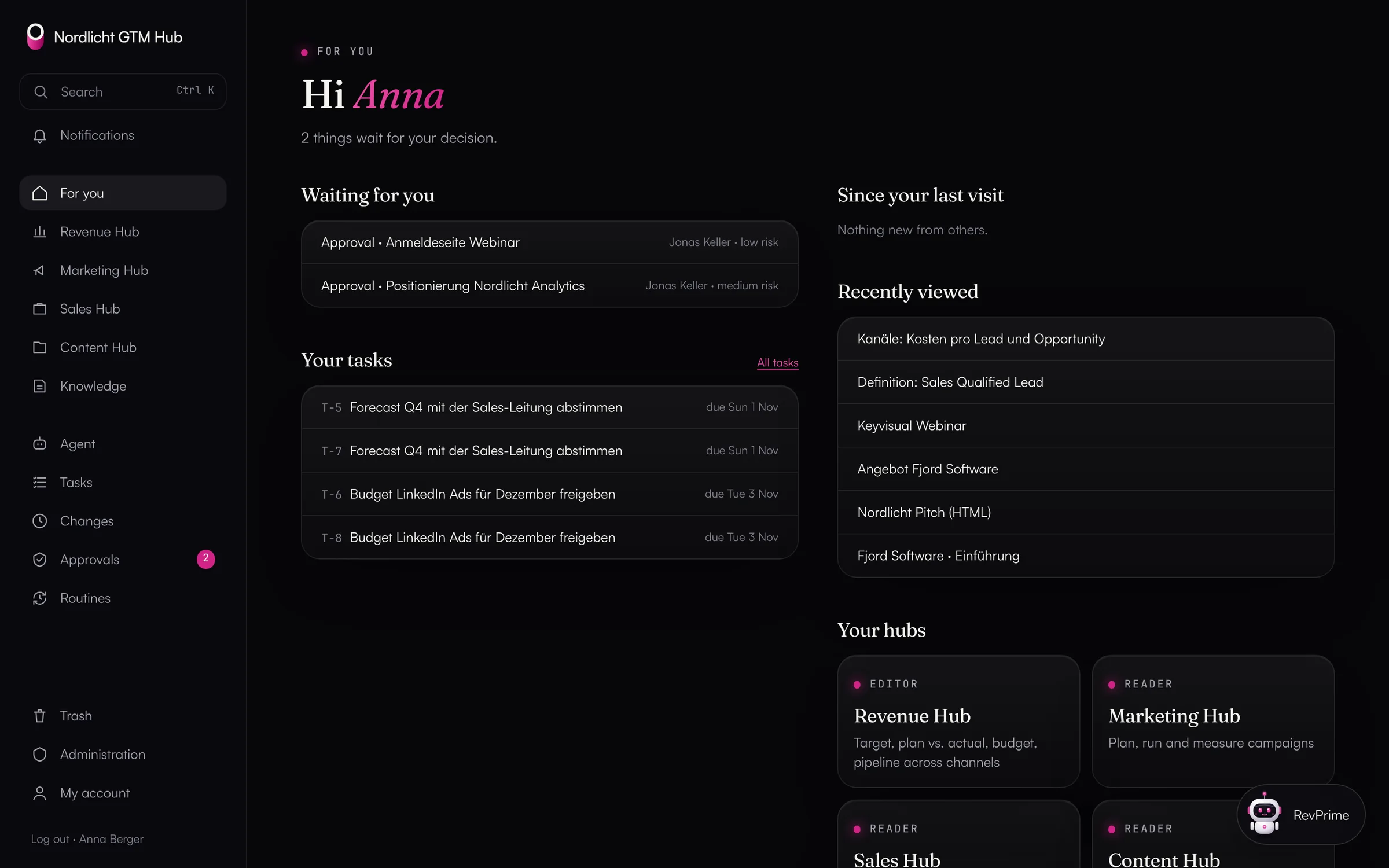
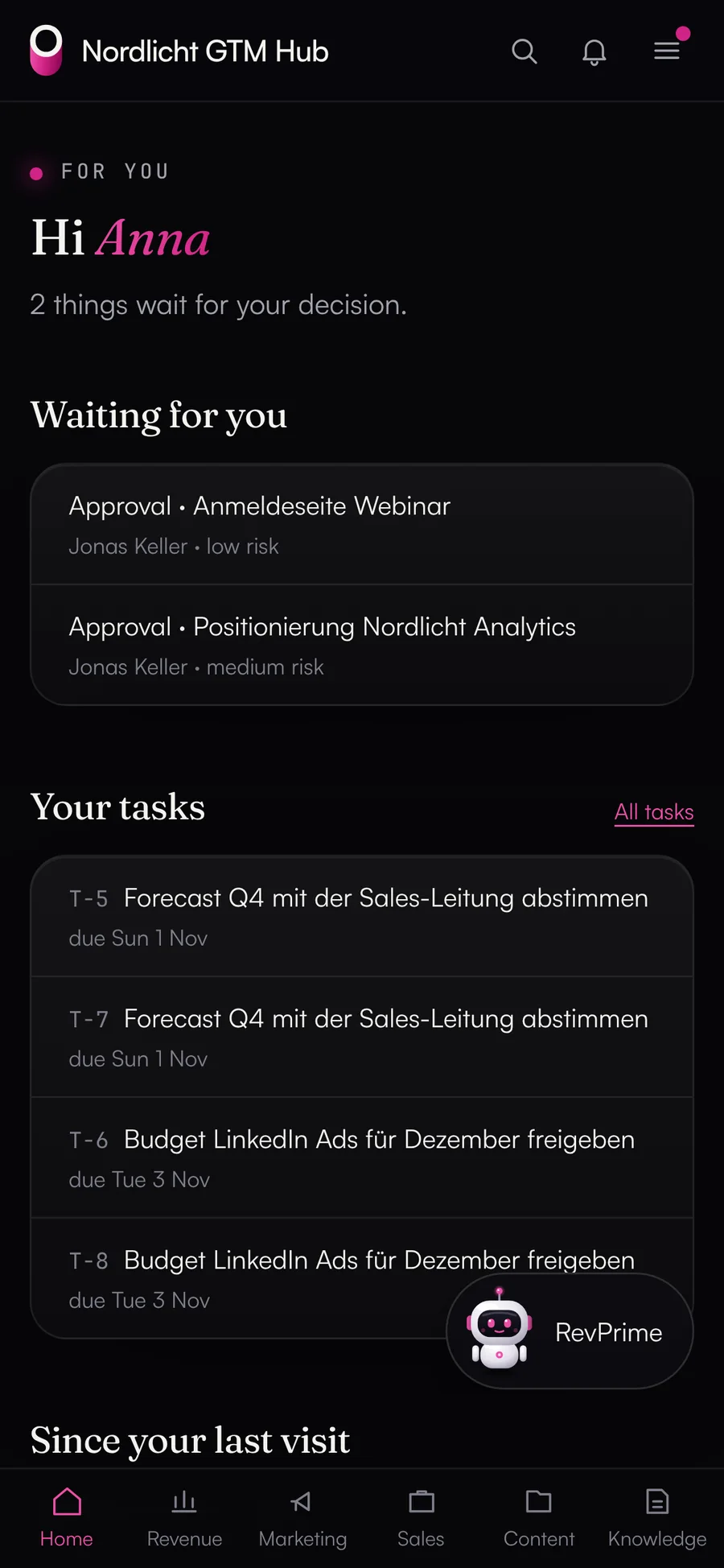
“For you” start page of the GTM Hub: open approvals, your tasks, changes since your last visit and the four hubs

Actual product, demo data

Four hubs

Four hubs, each with one job.

You decide per person who sees which hub. Knowledge, tasks, comments, notifications and the agent span all of them.

Revenue Hub · for leadership, CROs and RevOps

Target, plan vs. actual, budget and pipeline across all channels

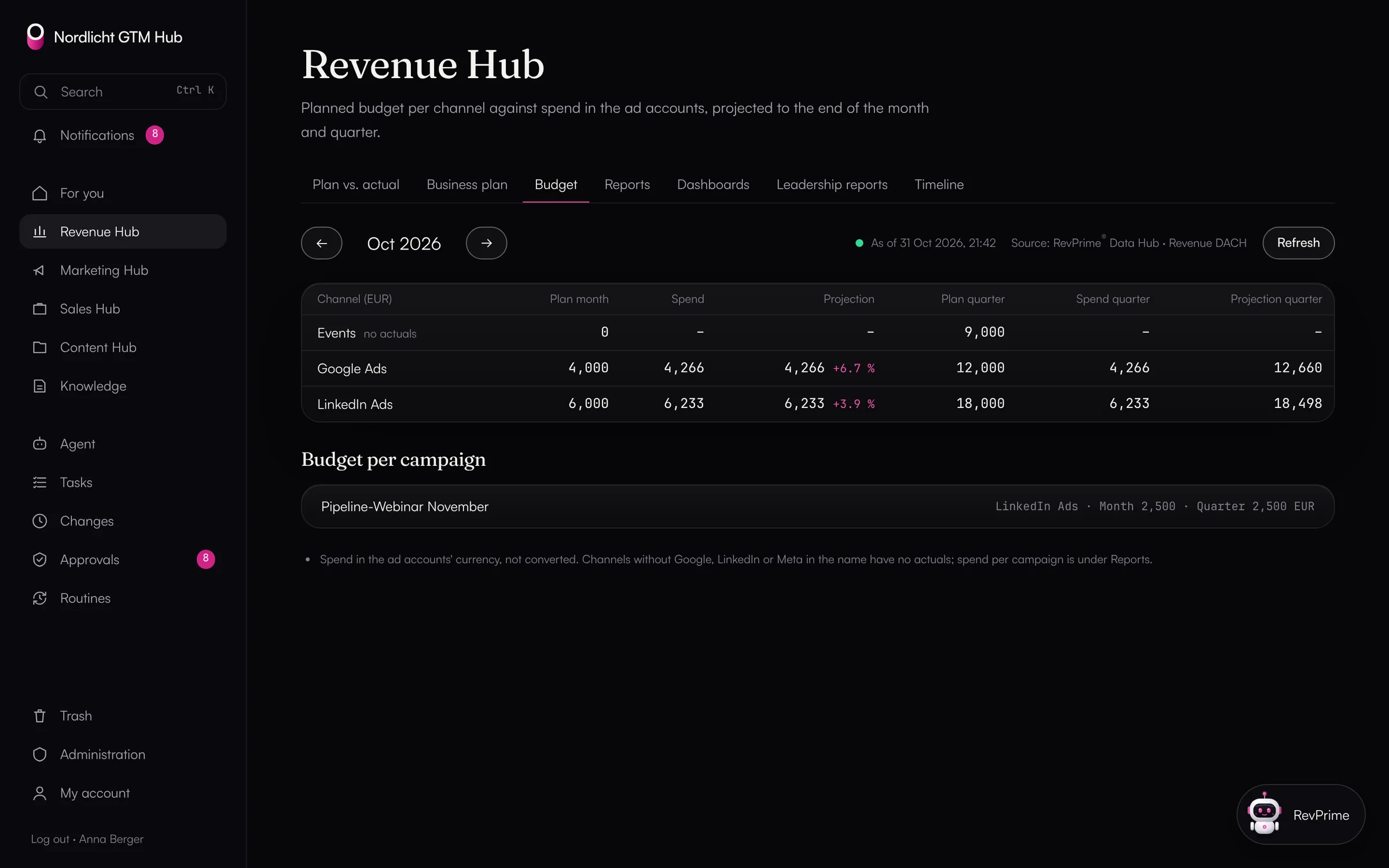
The business plan lives in the Revenue Hub as a plan version approved by an admin. Next to it are the actuals from HubSpot and the ad accounts, the deviation and the forecast to the end of the month and quarter.

  • Plan vs. actual per month and year to date
  • Budget vs. spend per channel
  • Campaign and channel reports
  • Management report with a fact check, revenue briefing every Monday
Learn more
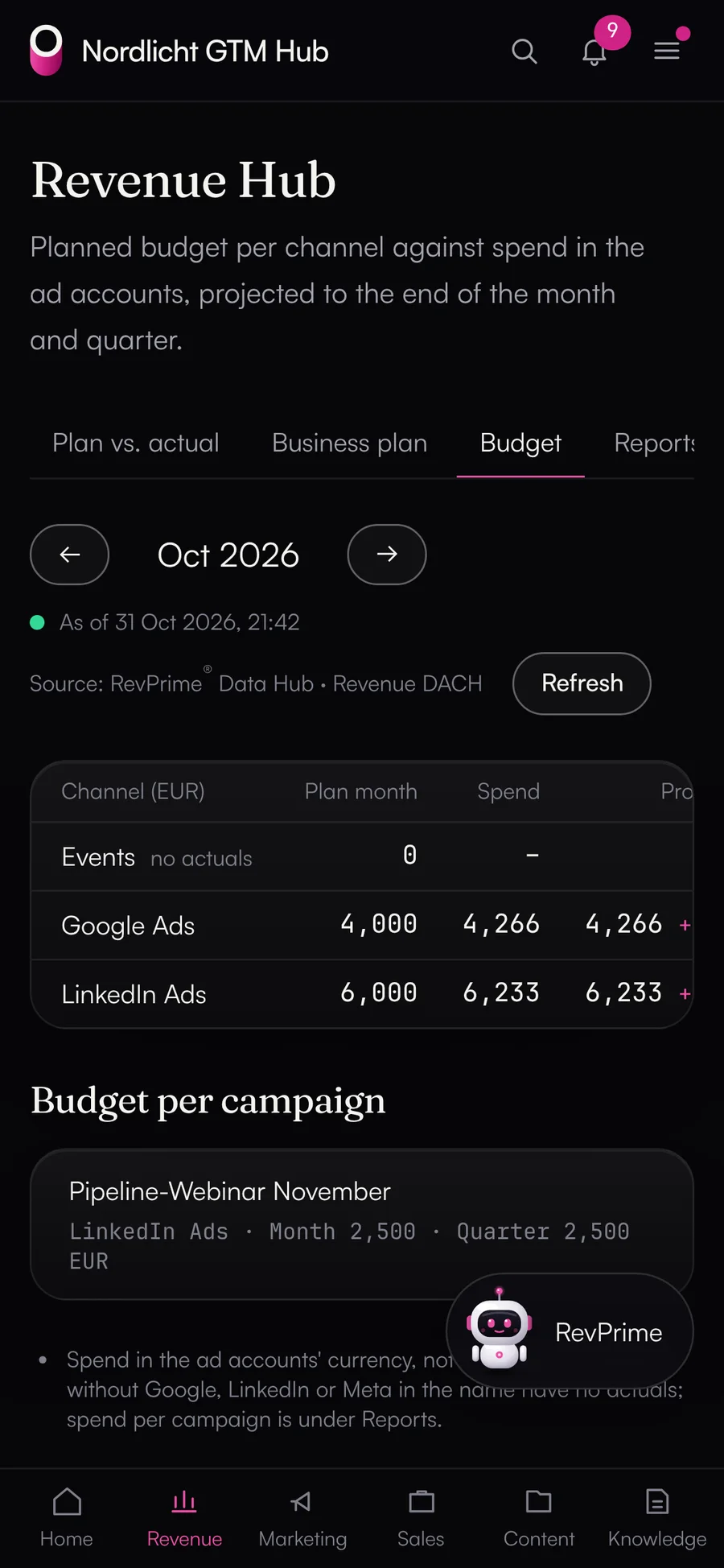
Budget vs. spend per channel with a forecast to the end of the month and quarter
Marketing Hub · for marketing and demand gen

Plan, run and measure campaigns

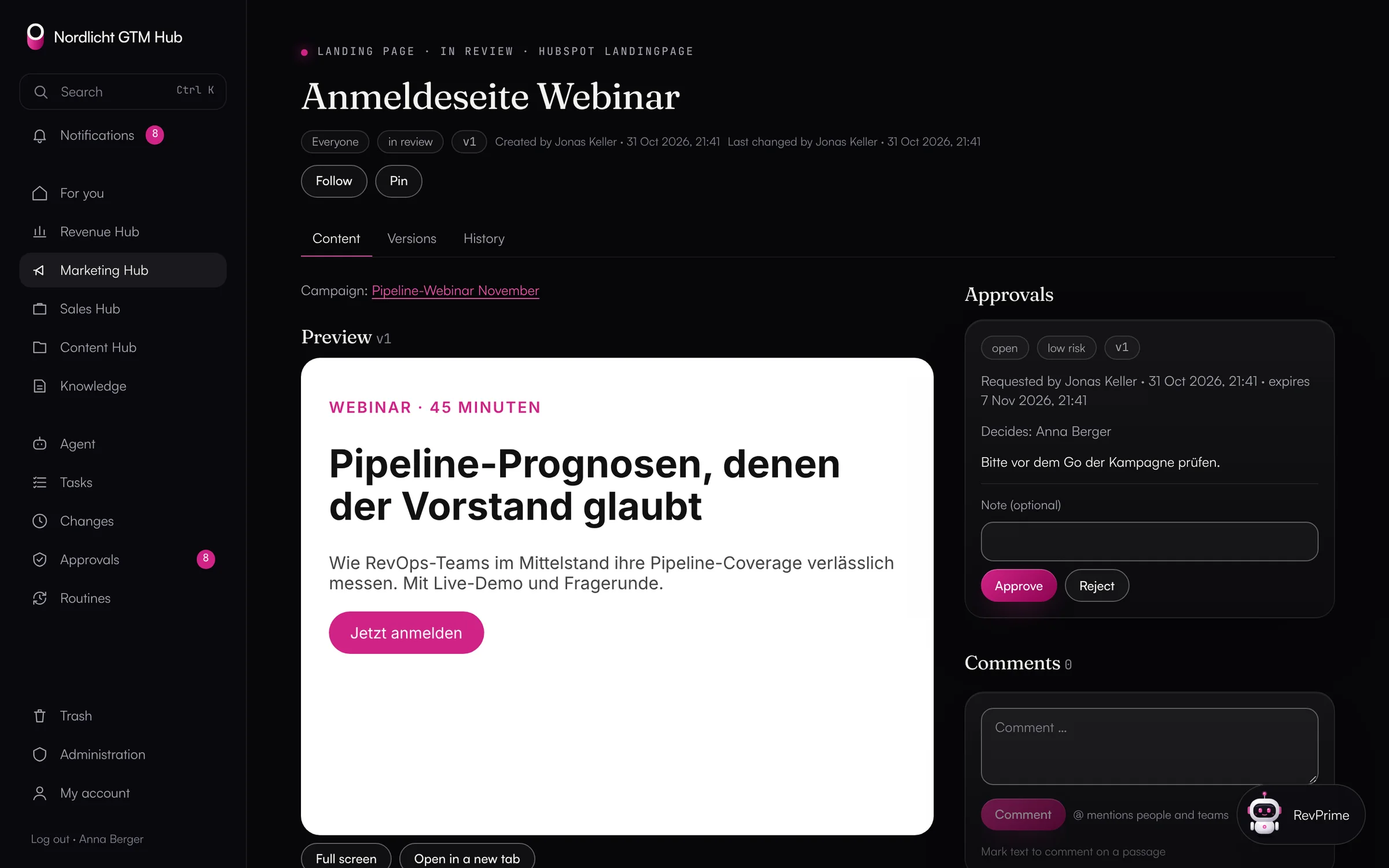
The campaign holds goal, audience, message angles, budget, content and dashboards together. Landing pages, emails, ad copy and posts have versions and only go out after a four-eyes approval.

  • Content rules the agent checks against
  • Channel dashboards with cost per lead and opportunity
  • Reports on competitors, audiences and campaigns
  • Conversation insights from calls, meetings and notes
Learn more
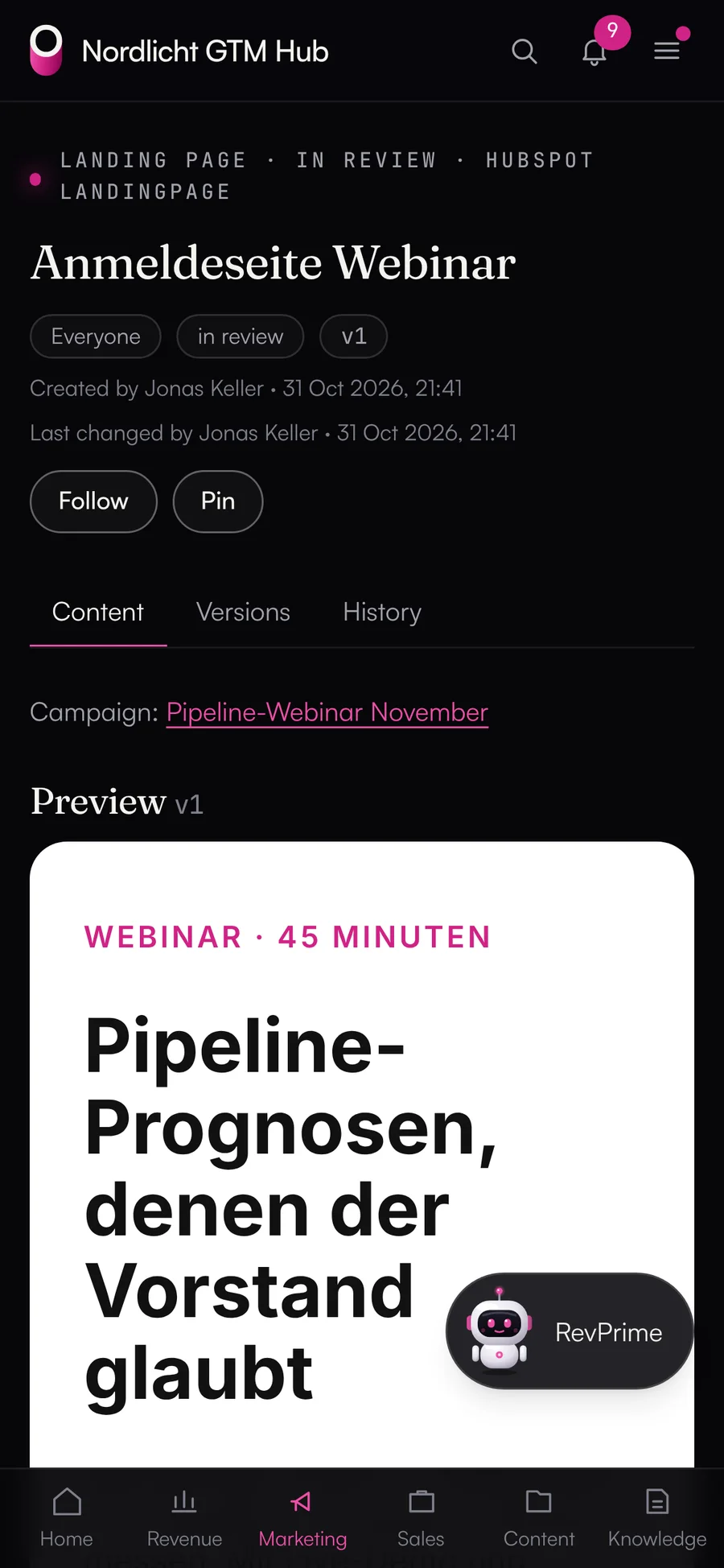
Landing page in review: sandboxed preview and four-eyes approval
Sales Hub · for sales and leadership

Guide prospects all the way to a decision

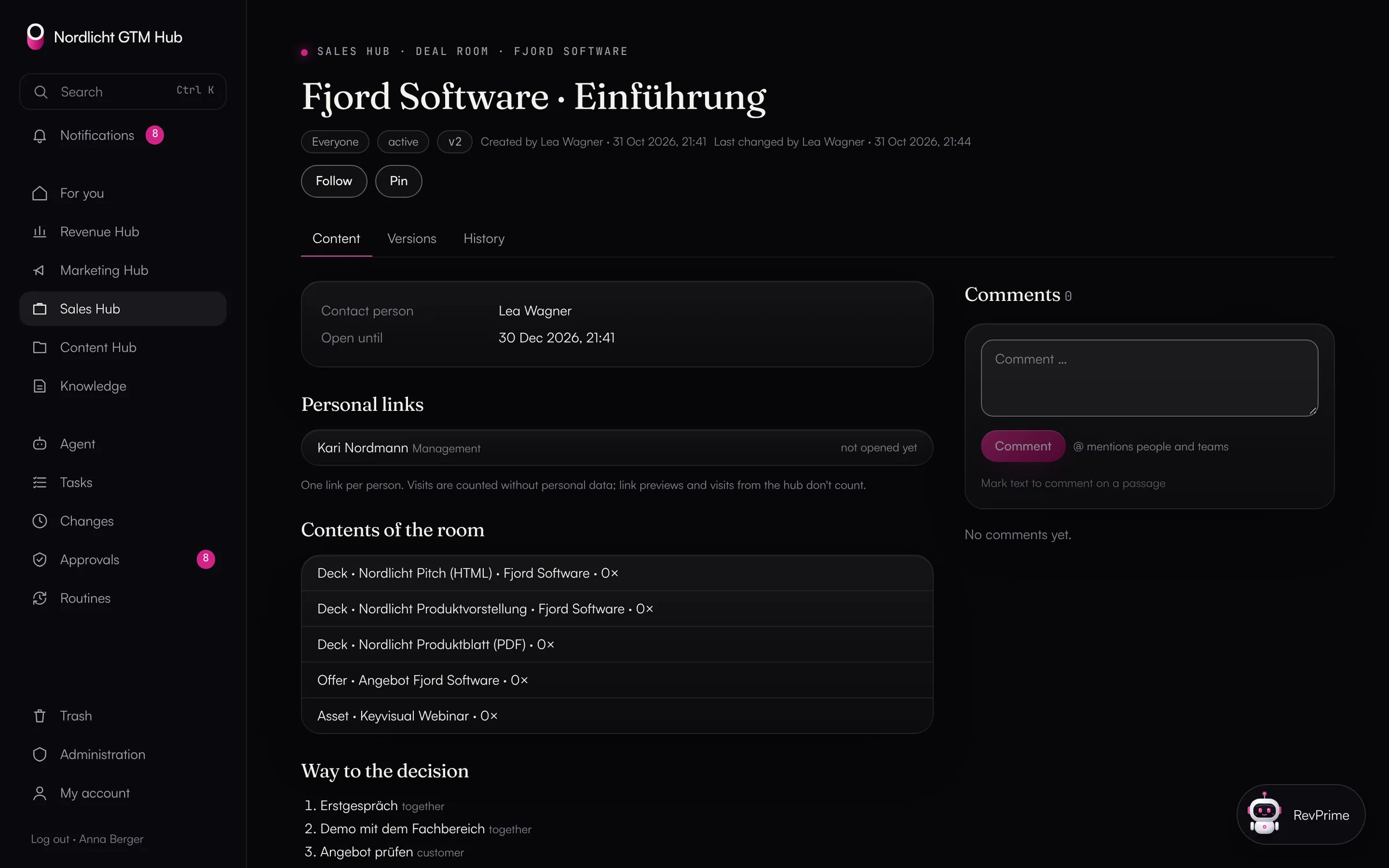
The deal room holds decks, offer, decision memo and the shared path to the decision. Everyone on the buying committee gets their own link. The deal radar shows which open deals need attention.

  • Decks as HTML or PDF, with customer versions
  • Offers from the price catalog, discounts with four-eyes approval
  • Views counted without personal data
  • A traffic light with reasons for every open deal
Learn more
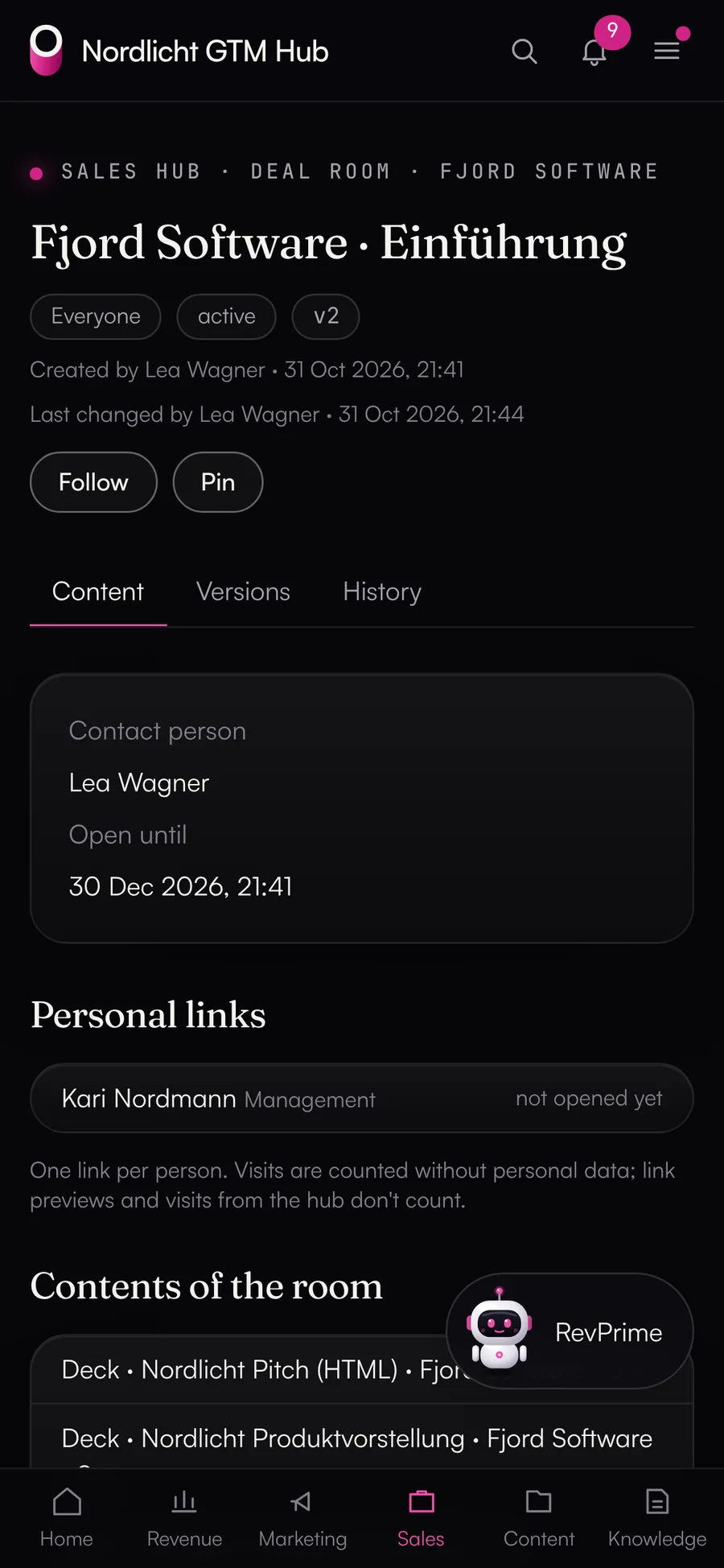
Deal room in the Sales Hub with personal links, contents and the path to a decision
Content Hub · for marketing and sales

Store, version and plan assets

Images, videos, PDFs and texts live in one place. The other hubs only link to them, so they always show the current version.

  • Full-text search inside PDF and Office files
  • Editorial plan as a calendar, list or board
  • Packages and share links with an expiry date
  • Internal assets can't be shared
Learn more
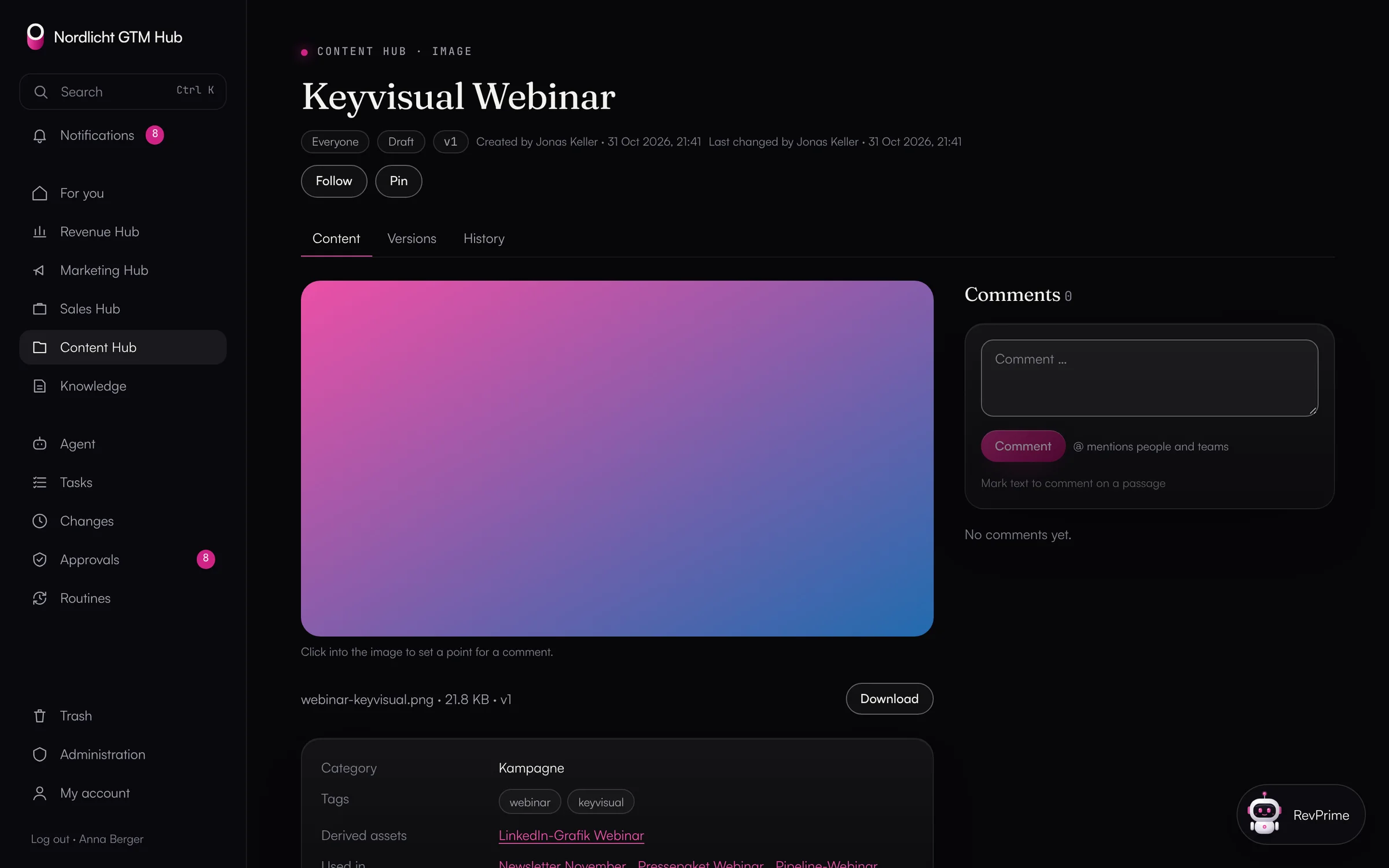
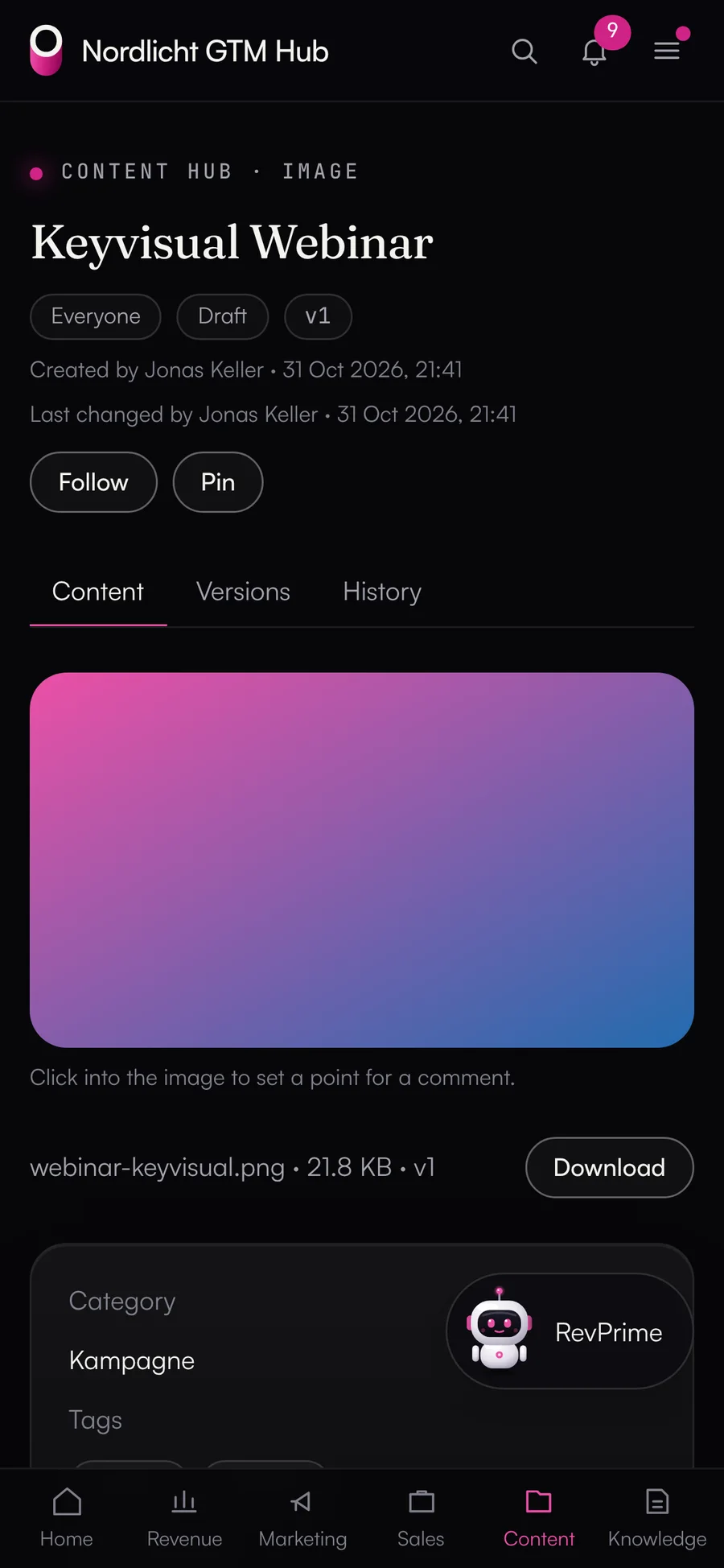
Asset in the Content Hub with versions, tags and where it is used
AI agents

Agents propose, people decide.

That goes for the built-in agent, for scheduled routines and for Claude Code over MCP: every write action becomes a signed proposal in the GTM Hub, with before and after. It's valid for 24 hours, checked again against the current state before it runs, and logged with the person and the channel.

  • ✓Confirm with a button in the chat, a short “yes”, or in bulk under Approvals
  • ✓Rights, sharing and people only on the confirmation page
  • ✓An agent never has more rights than the person asking
  • ✓Routines run on a schedule, read-only by default, with limits per run and per month
Agent and routines in detail
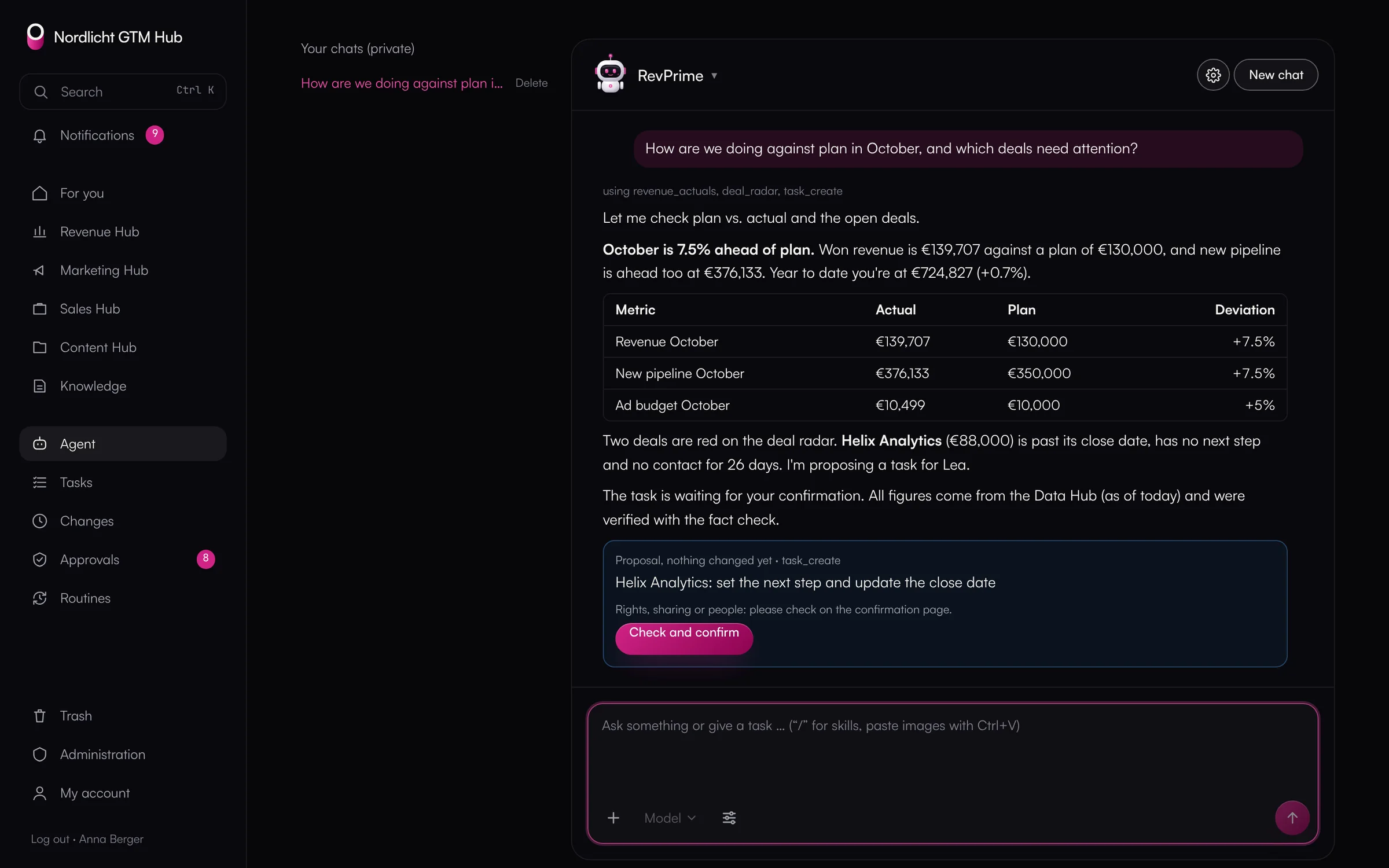
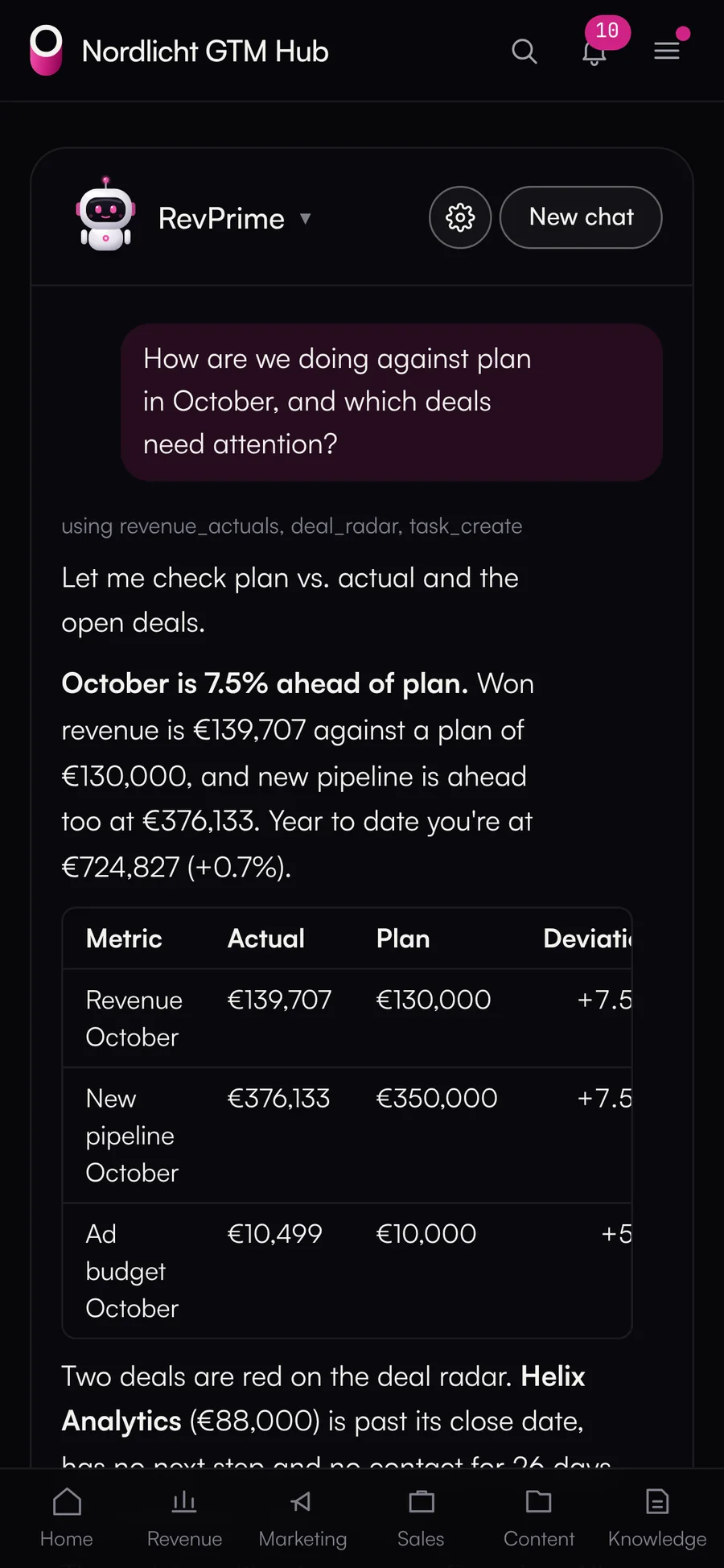
The agent in the GTM Hub answers a question about plan vs. actual and the deal radar and proposes a task for confirmation
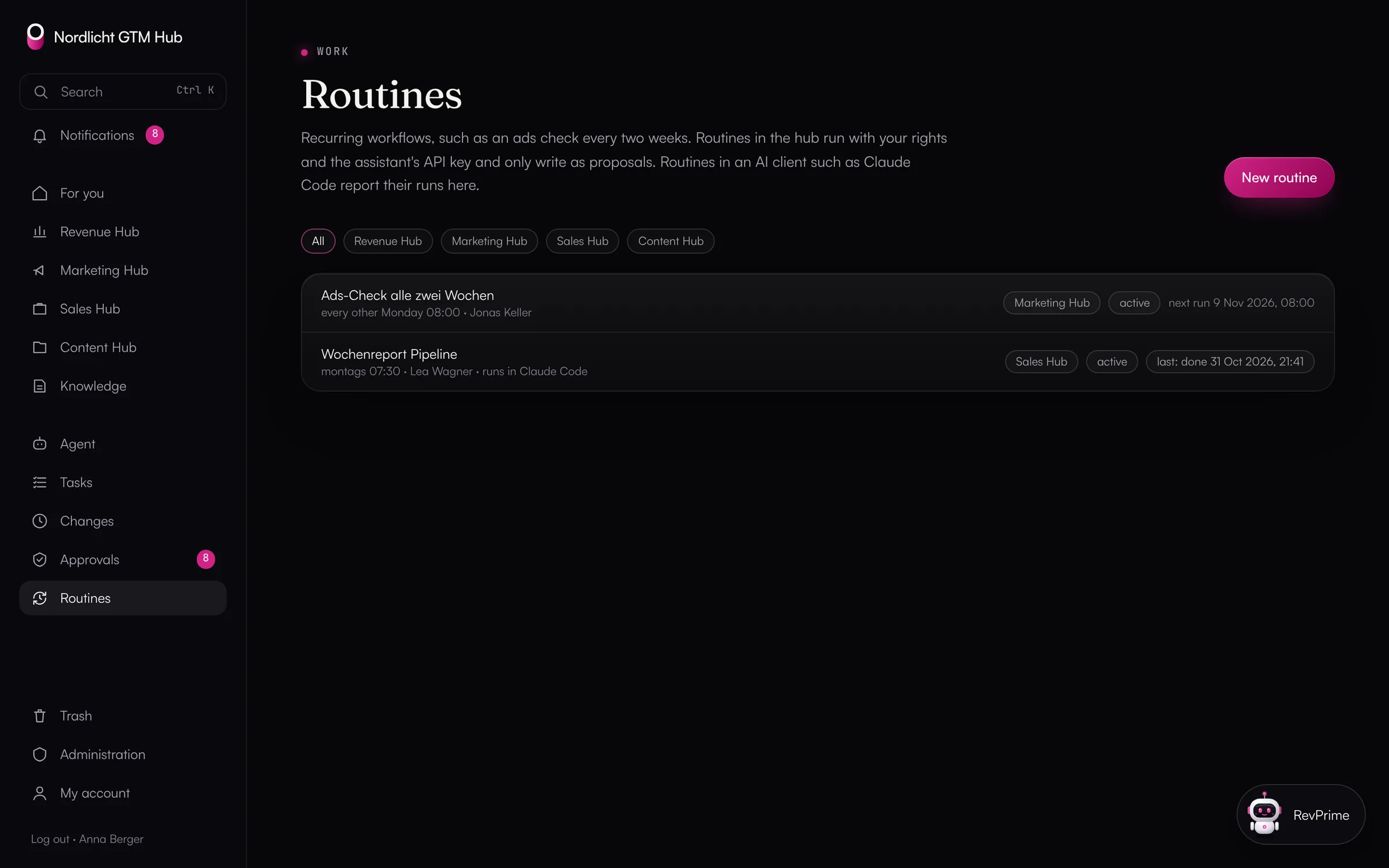
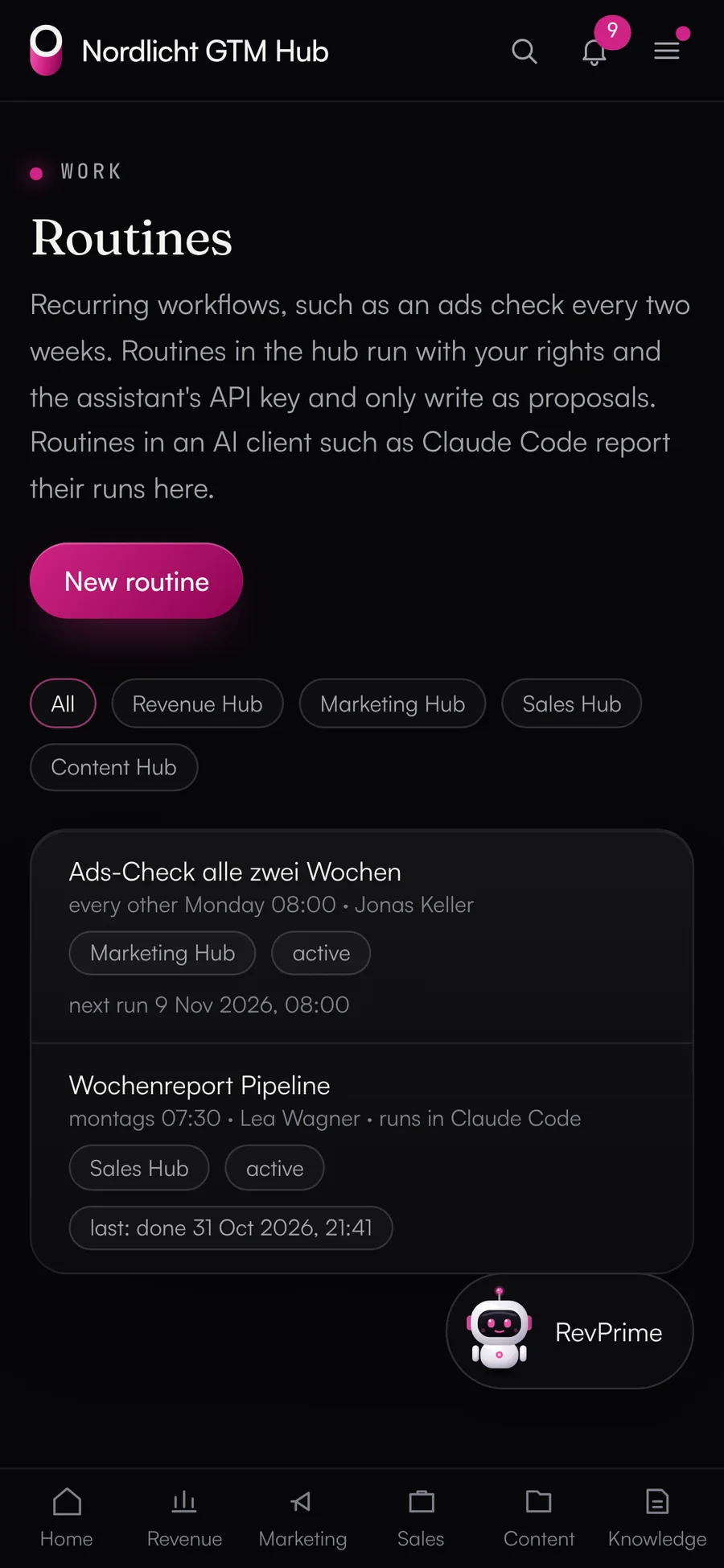
Routines: an ads check every two weeks in the hub and a weekly report from Claude Code
Shared features

What works the same in all four hubs.

These features exist for every item, whether it's a campaign, a deck, a plan version or a knowledge card. All of them also work through the API, MCP and the agent.

  • History

    Who changed what and when, through which channel (UI, API, MCP, agent), with before and after. The history can't be edited, and admins can export it as CSV.

  • Versions

    Every content change is a new version. Older versions can be compared and restored, and none of them get lost.

  • Comments

    Threads on text passages and points in an image, with @mentions of people and teams. Resolved threads can be reopened.

  • Notifications

    Live in the hub, by email (instantly or as a daily digest) and as push notifications on installed devices.

  • Tasks

    List, board and calendar with assignees, decision maker, dependencies and steps. “Done” only counts once it's confirmed.

  • Approvals

    Approvals are signed and can't be changed afterwards. Nobody approves their own request or version, and agents don't approve anything.

  • Search and “For you”

    Ctrl/Cmd+K searches all hubs. The start page shows your tasks, open approvals, mentions and changes since your last visit.

  • Knowledge

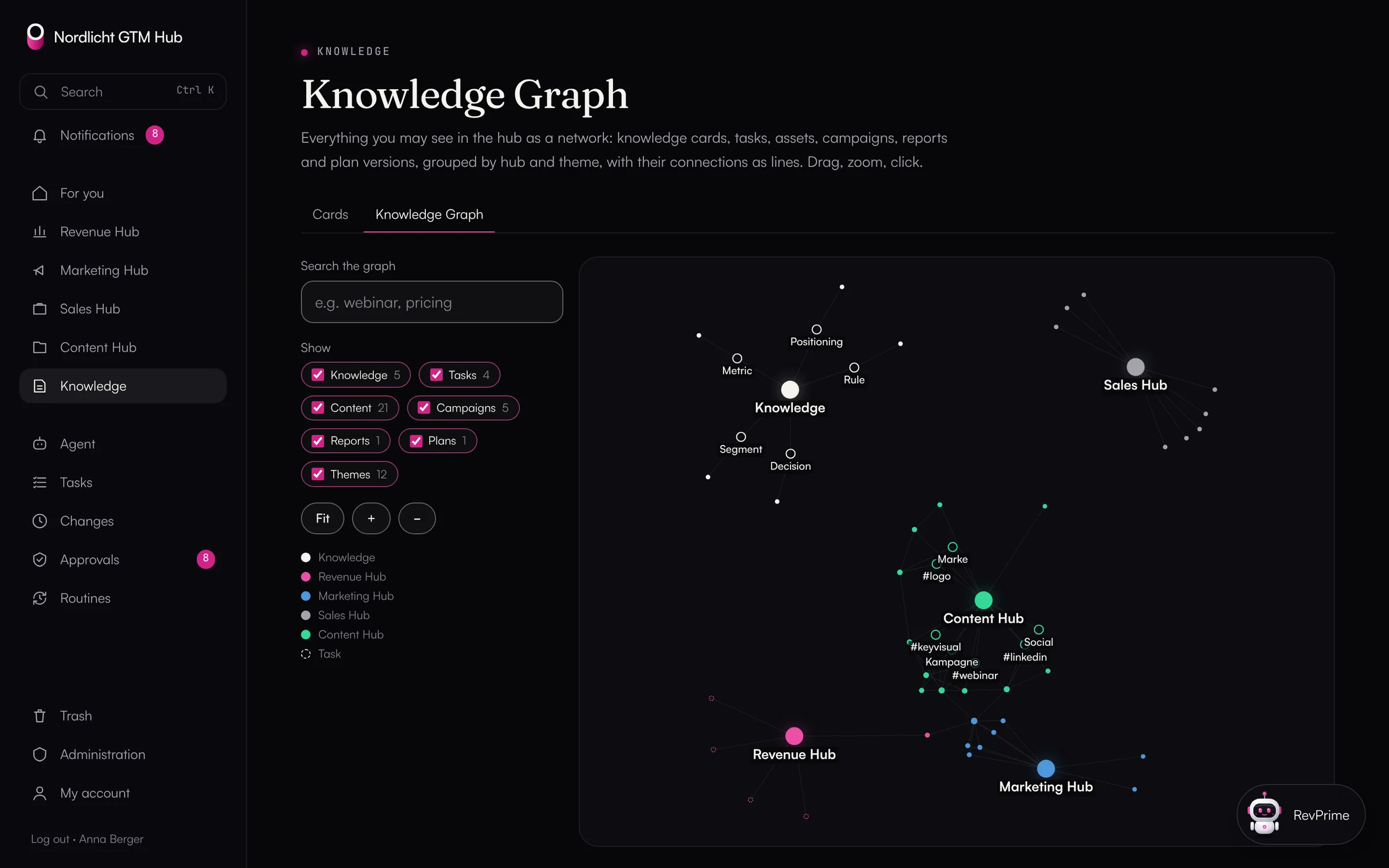
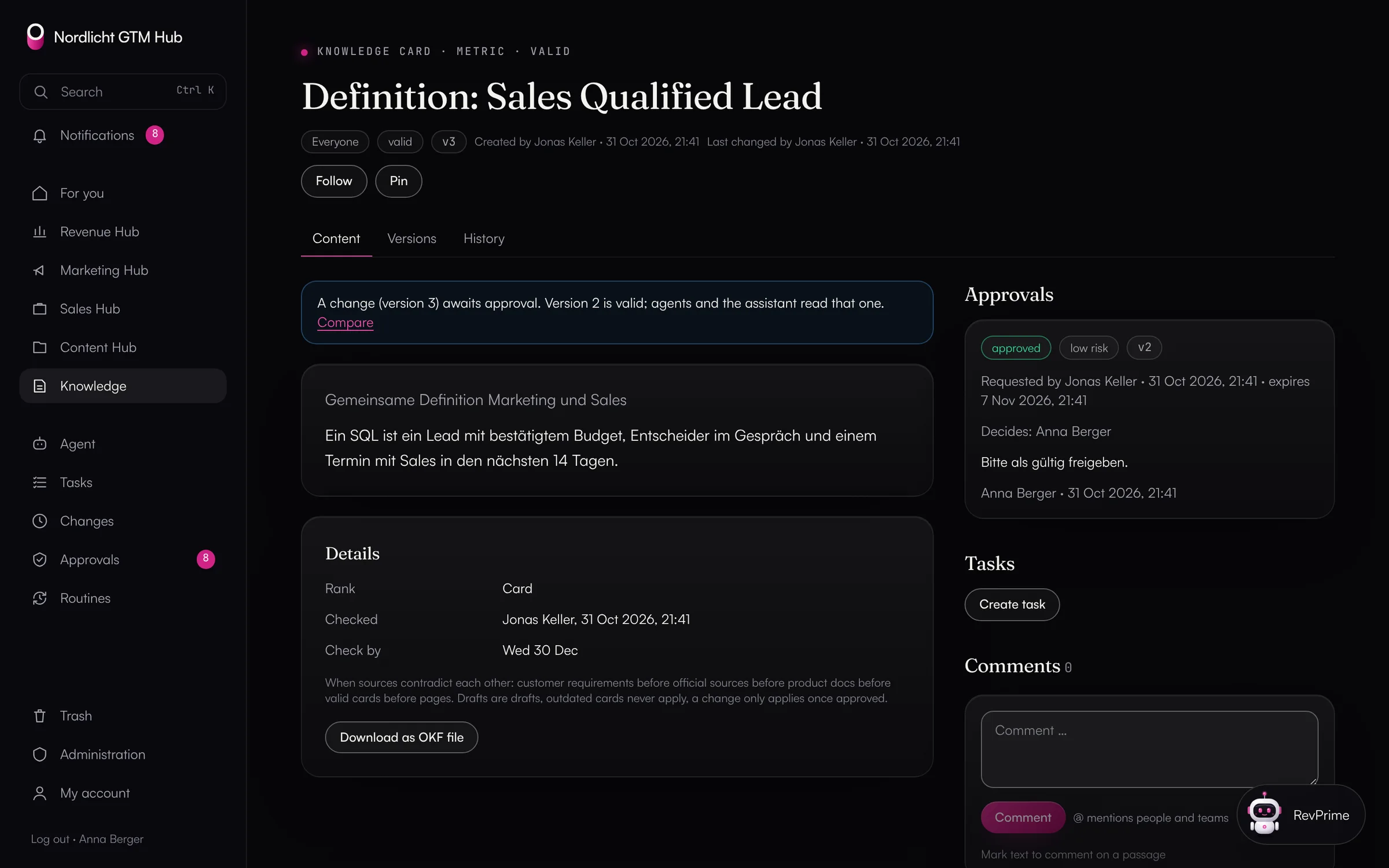
    Knowledge cards with approval and a fixed order of precedence when they disagree, import and export as OKF Markdown, plus a knowledge graph.

  • Dashboards

    Standard and custom dashboards, precomputed every hour and shown in a sandbox. Personal data follows its own rules.

  • Agent

    One or more agents on Claude or OpenAI, in a window on every page. They only propose changes.

  • Routines

    Scheduled workflows, in the GTM Hub or from Claude Code. Read-only by default, with limits per run and per month.

  • View as a person

    Admins can see the GTM Hub the way a colleague sees it. They can't change anything while doing so, and the log records it.

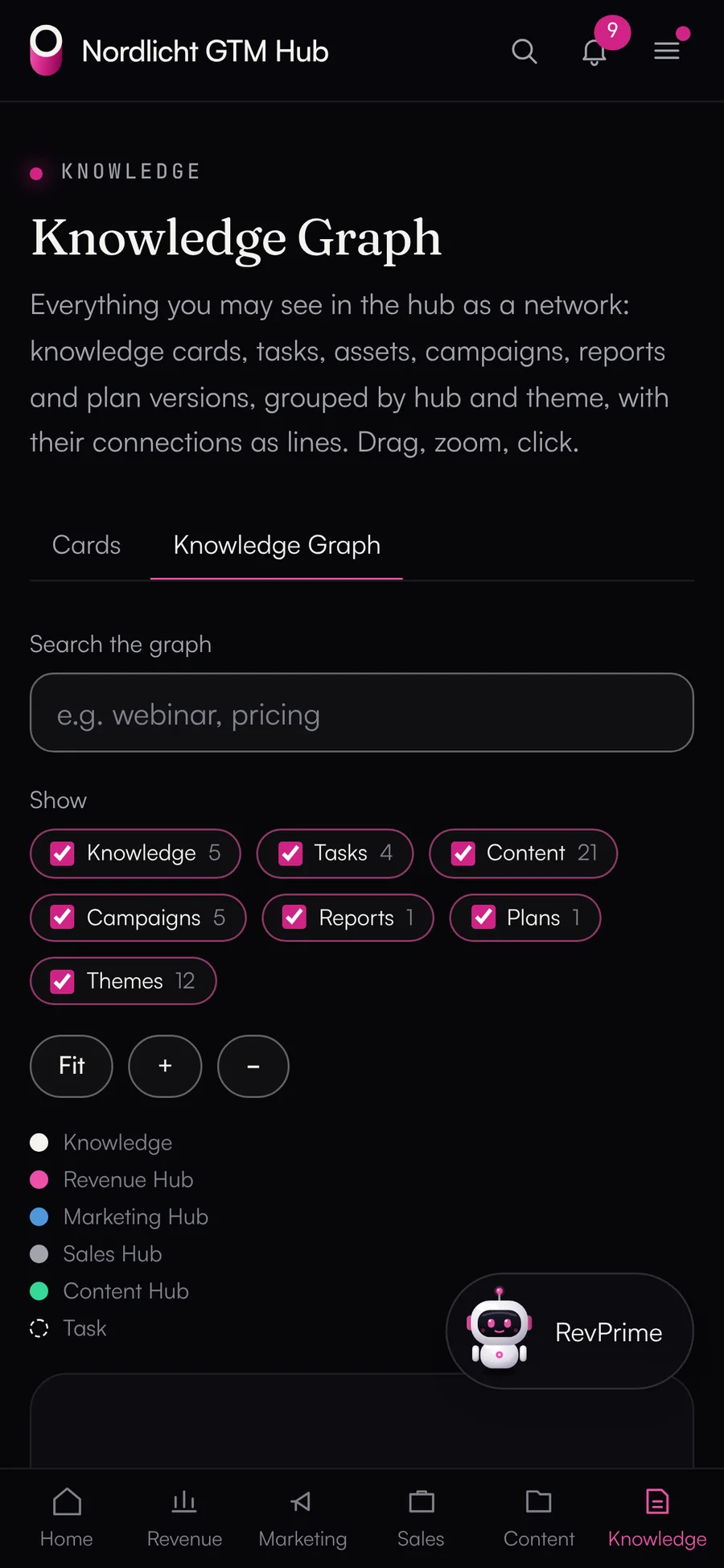
Knowledge graph: knowledge, campaigns, tasks and assets with their links
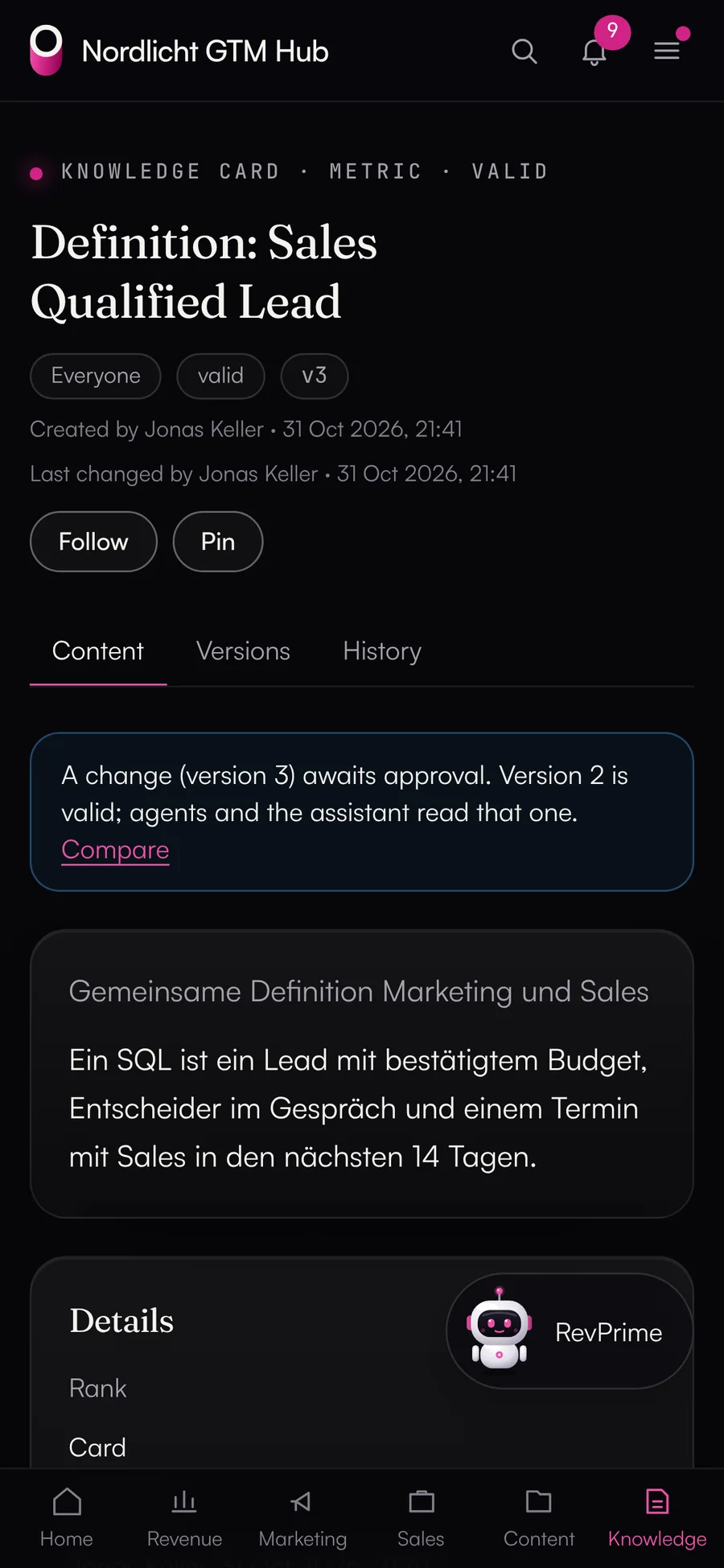
Knowledge card “Definition: Sales Qualified Lead” with approval and review date
Interfaces

Every function, four ways in.

Every GTM Hub function is defined exactly once, with the same permissions and the same history. A test makes sure the UI, the API, MCP and the agent can do the same things. The only exceptions are what agents are deliberately not allowed to do.

  • UI

    In the browser on desktop and phone, installable as an app, in German or English.

  • REST API

    With an OpenAPI description and personal tokens with an expiry date and scope per hub.

  • MCP

    For Claude, ChatGPT, Claude Code and other clients, with OAuth sign-in. Anything a client writes becomes a proposal.

  • Agent in the hub

    Works with the rights of the person asking, on your own API key, with a monthly limit.

Data from the Data Hub

Outside figures come only through the Data Hub.

The GTM Hub never talks to HubSpot or the ad accounts itself. It reads through a Data Hub service access that can only read, and every request names the person it runs for.

  • The Data Hub's field definitions and fact check apply in the GTM Hub too
  • The GTM Hub keeps results as a data snapshot so pages and agents don't use up the Data Hub's limits
  • Writing to outside tools goes through the Data Hub and its approvals
  • Tools with personal data are only available to admins and approved teams
Separate instance

Your GTM Hub runs separately from all the others.

igromo runs the GTM Hub from one codebase, and you get infrastructure of your own. What you customize is data: knowledge, dashboards, agents, routines and your branding.

  • Own database and domain

    Its own Vercel project in Frankfurt, its own Postgres database at Neon in Frankfurt, its own private file storage and your domain.

  • Your look

    Logo, colors, fonts and app icon follow your branding. The GTM Hub keeps the contrast needed for good readability on its own.

  • Export any time

    Your admins export everything as a ZIP: tables as JSON and CSV, knowledge as Markdown, assets with all versions, reports and dashboards as HTML. If you leave, you get the full export within 30 days.

  • Updates in rings

    A new version reaches a few instances first and everyone else later, only with green tests and after a minimum soak time. Plus a daily backup and a daily health check.

FAQ

Questions about the GTM Hub.

How long until our GTM Hub is up and running?

igromo sets up your instance with its own database, file storage, your domain and your branding, and invites your first admin. From there, a checklist walks you through the Data Hub, the agent, knowledge and the starter pack. How long it takes depends mostly on how quickly your tools are connected in the Data Hub.

Can we match the GTM Hub to our branding?

Yes: logo, dark or light base, colors, fonts, corners, buttons, app icon and link preview. igromo takes the first draft from your website. The GTM Hub keeps the contrast needed for good readability on its own.

Is any code written just for us?

No. Your GTM Hub runs on the same codebase as everyone else's, and your customizations are data: knowledge, dashboards, reports, agents, routines and branding. You connect your own data sources in the Data Hub, for example as a REST connector.

Which languages are available?

German and English, switchable per person. The agent answers in the person's language, and deal rooms come in German or English.

Does the GTM Hub work with Salesforce?

Partly. Plan vs. actual, the deal radar and conversation insights read only from HubSpot today. With Salesforce, the Data Hub's read tools are available in the agent and over MCP, plus everything that doesn't need CRM figures: campaigns, content, decks, deal rooms, tasks and knowledge.

Find out what agents can take over in your team.

In 30 minutes, we'll go through your revenue processes and show you the GTM Hub and the Data Hub working with your own HubSpot or Salesforce.