


Pipeline answers that hold up in front of the board.
How much pipeline came from paid this month, which deals are stuck and where the forecast stands is spread across the CRM, ad accounts and web analytics. In the Data Hub you connect these tools once. Each of your teams gets its own agent access, and the agent checks every figure against a fresh query at the vendor before it answers.
- HubSpot or Salesforce plus ad accounts
- Fact check before every figure
- Hosted in Frankfurt
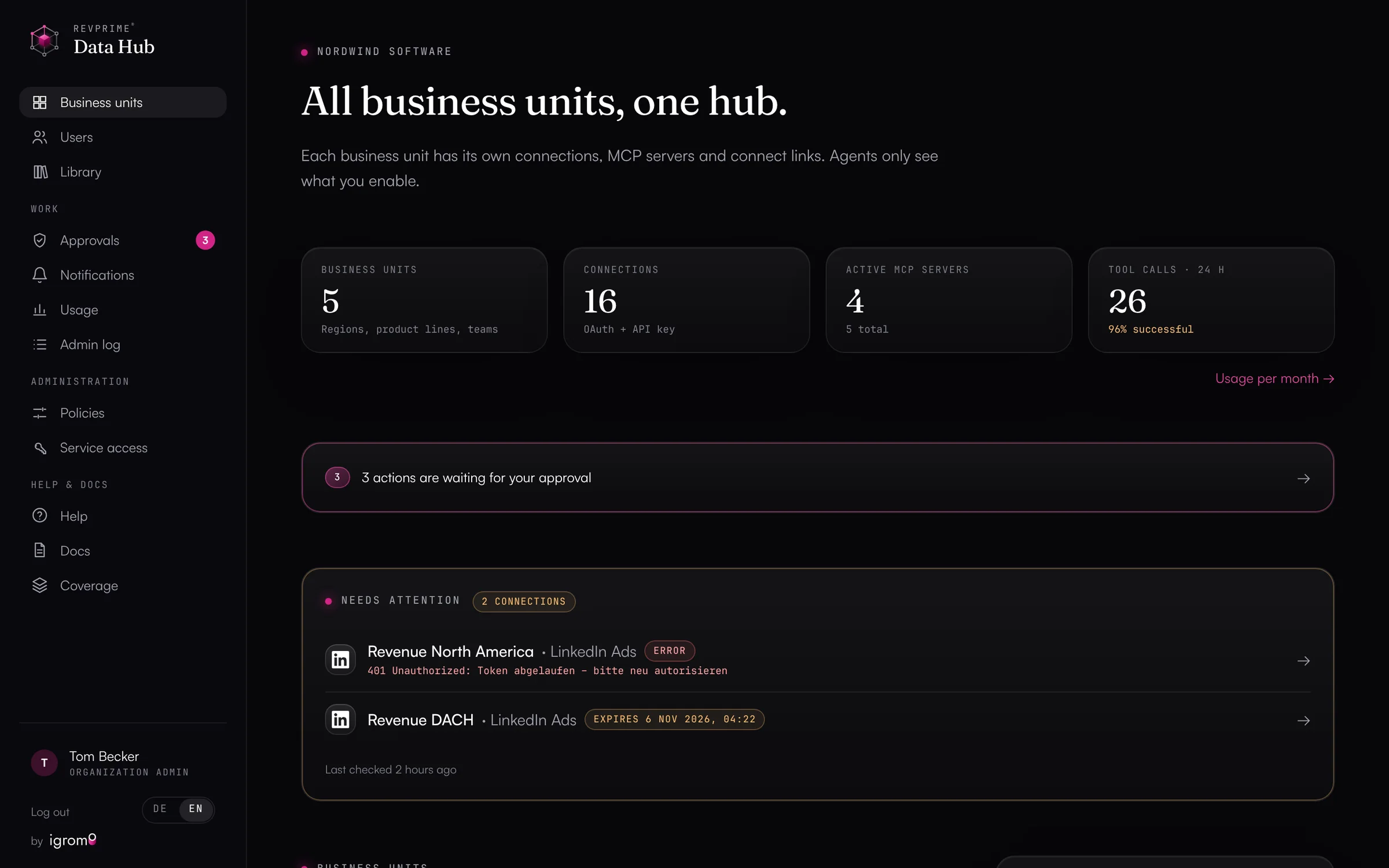
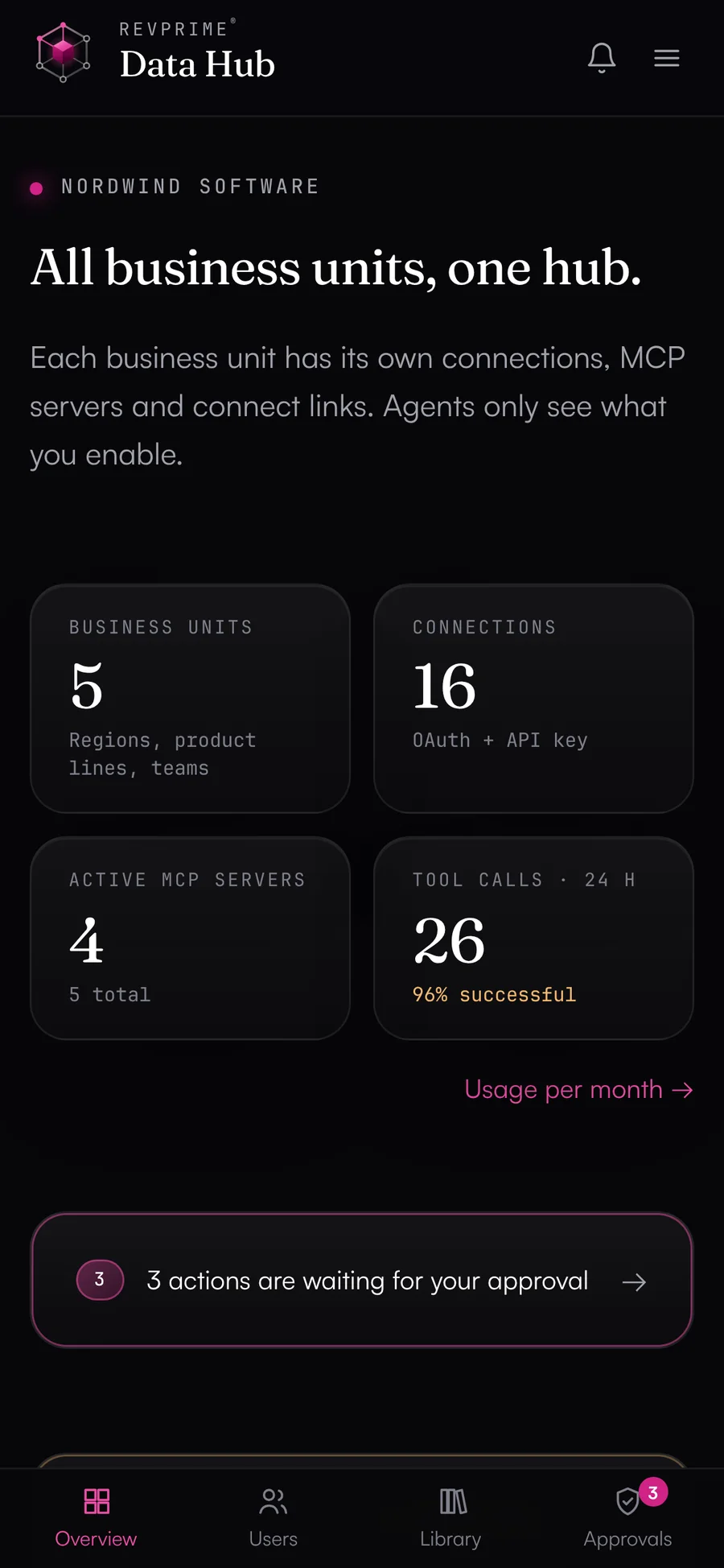
What slows you down today.
The pipeline question takes five tools
Whether paid brings pipeline or just leads only becomes clear once ad accounts, web analytics and the CRM come together. Today RevOps builds exports for that, and the answer arrives after the meeting.
Agent figures nobody trusts
An agent adds up amounts in two currencies or treats open deals with an old close date as lost. Once a figure like that lands in your board deck, everyone double-checks the agent's reports by hand from then on.
Shadow AI in your revenue team
SDRs, marketing and sales hook up agents on their own, with personal logins and API keys pasted into chats. Nobody knows which of them are still active.
IT and data protection push back, and they're right
Nobody signs off on an agent with full CRM access and no log. So your team keeps copying data into the chat by hand.
One thing leads to another.
From bottleneck to result in five steps.
- 01
Revenue questions almost always span several tools.
Whether a campaign brings pipeline only shows when you look at the ad account, the website and the CRM together. A single dashboard rarely captures that.
- 02
Agents can answer these questions without exports.
As long as they read every source directly and know what the fields mean: deal stages as IDs, amounts in the company currency, ad costs in micros.
- 03
Every figure has to be checked before the answer.
The fact check repeats the read calls the agent relies on and compares the values. The agent has to fix mismatches and flag anything it couldn't check.
- 04
Each of your teams gets exactly the permissions it needs.
Marketing reads ad accounts and analytics, the SDR team gets the outbound tools, RevOps can write to the CRM with approval. Each agent gets its own MCP server with matching tool access and its own limits.
- 05
That's something your IT team can approve.
Hosted in Frankfurt, no copy of your data, guardrails for critical actions and a log of every call. You can hand the security documentation straight to your IT team.
What this looks like day to day.
- 01
Monday pipeline report
Every week before the revenue meeting- The agent reads new deals, stage changes, and won and lost deals from the past week in the CRM.
- It flags outliers, such as large deals with no activity or a close date in the past.
- Before sending, it checks every figure against a fresh query.
ResultThe meeting starts with checked figures, and nobody built a spreadsheet for it.
Uses

- 02
Paid against pipeline
Quarterly planning or budget review- The agent pulls spend per campaign from Google Ads, LinkedIn Ads and Meta Ads.
- It matches it to contacts and deals in HubSpot through utm_campaign, by first or last touch.
- For each campaign you see cost per opportunity, open pipeline, won revenue and ROAS.
ResultYou move budget to where opportunities come from.
Uses


- 03
Prepping the forecast call
Before the weekly forecast- The agent reads the open deals closing this quarter.
- It looks for deals with no next step, no activity in 14 days or an outdated close date.
- For each of them, it suggests a question for the owner to answer in the call.
ResultThe call is about risks and next steps. Whether the figures are right is settled beforehand.
Uses - 04
A board deck with sourced figures
Before the board meeting- The agent compiles pipeline, won revenue and cost per opportunity by channel for the quarter.
- With the fact check, it repeats every cited query and compares the values.
- Anything it can't confirm, it flags instead of estimating.
ResultEvery figure in the deck traces back to a query.
Uses
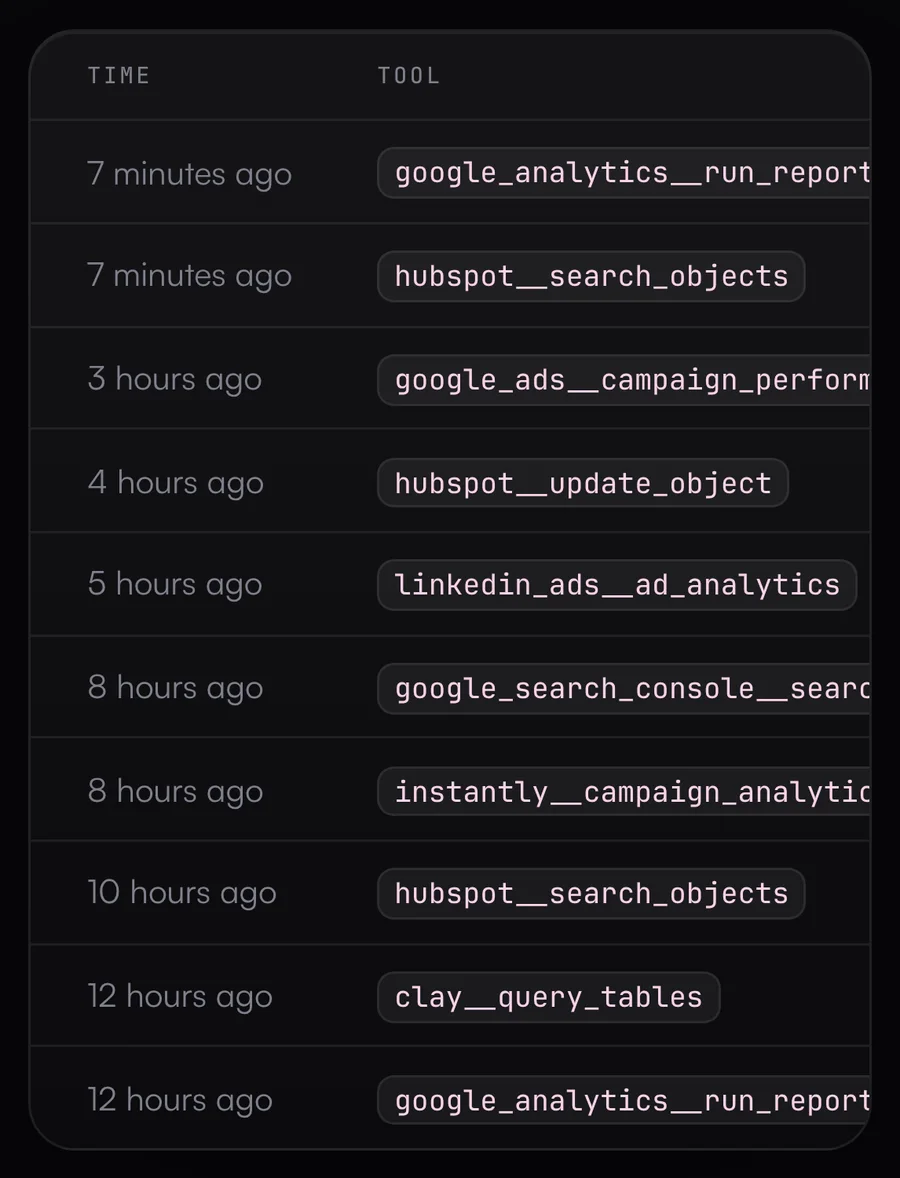
Every answer has a source.
The log lists every call with time, tool, result and duration, so you can see which queries an agent's answer rests on.
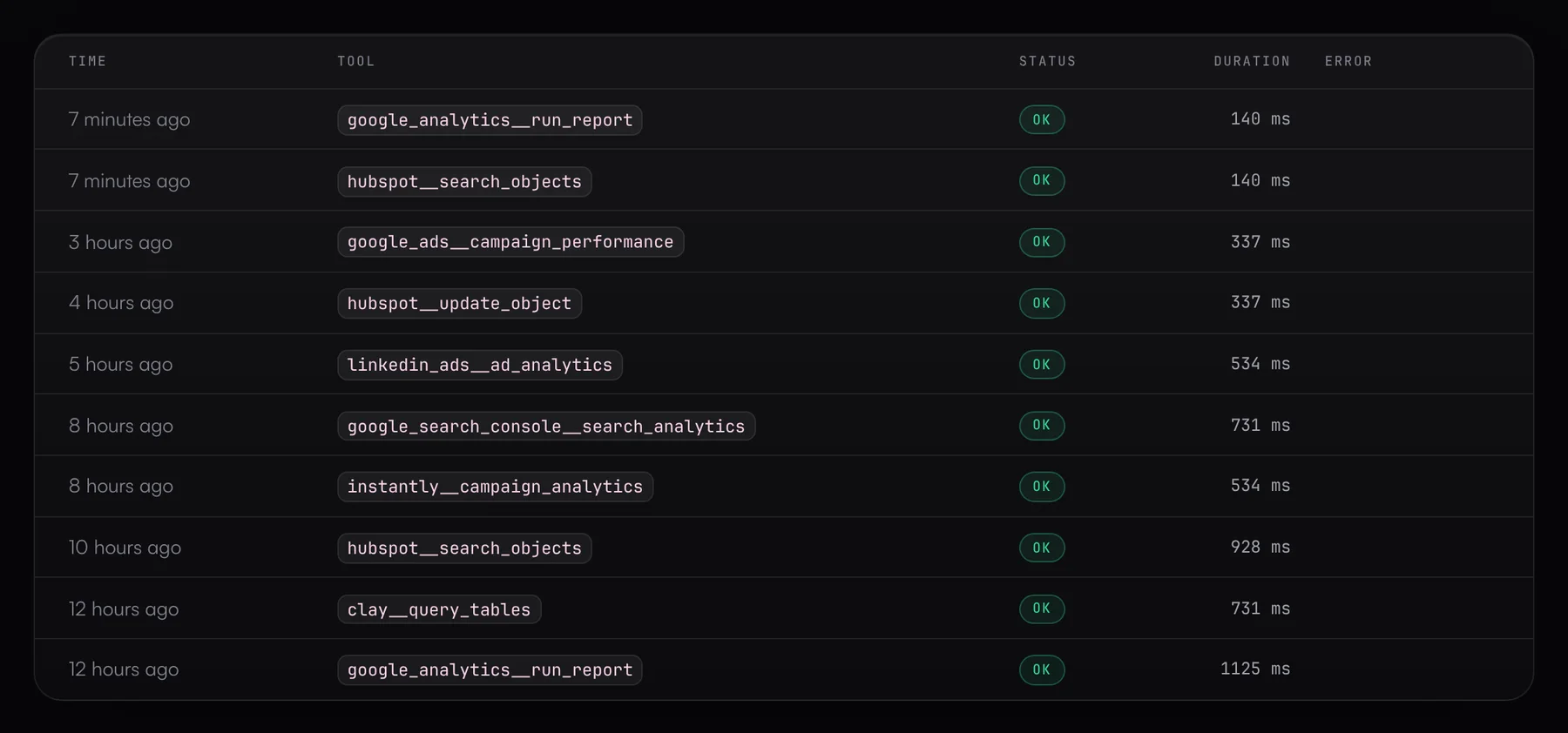
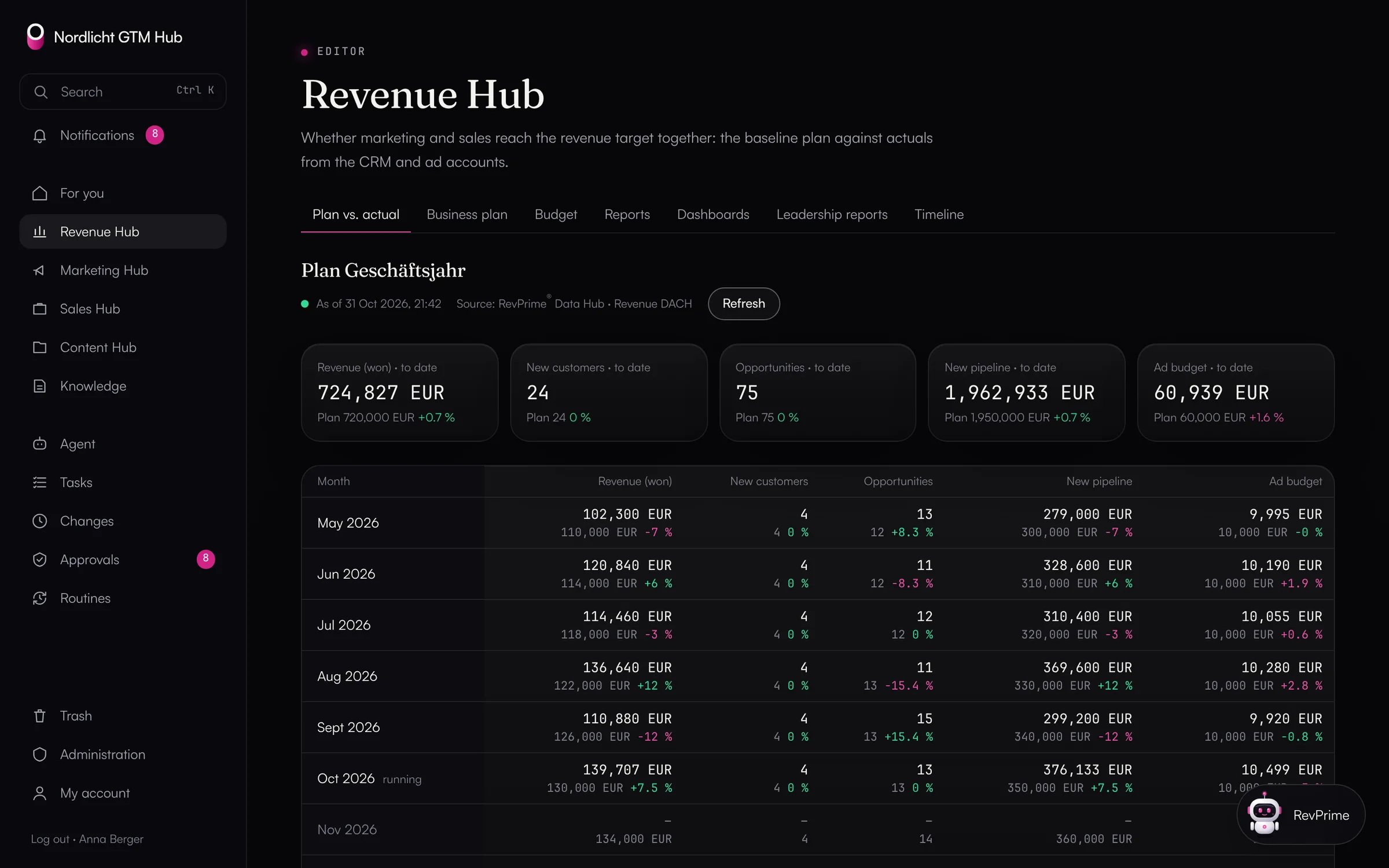
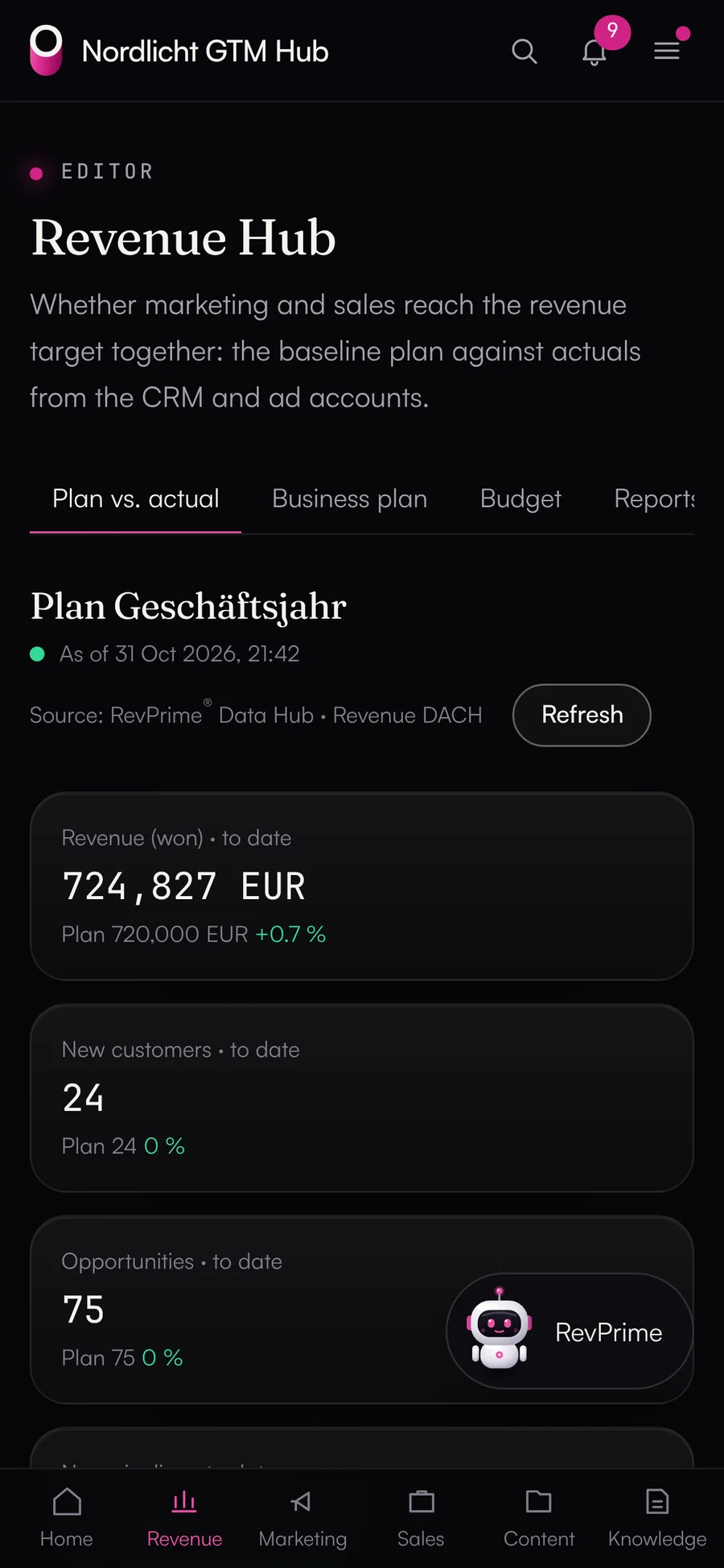
Plan vs. actual and the Monday briefing, without spreadsheet work.
In the Revenue Hub, the approved business plan sits next to actuals from HubSpot and the ad accounts. You create the management report with one click, and it ends with the fact check. Every Monday from 7 a.m. the revenue briefing is ready.
- Plan vs. actual per month and year to date, with data date and source
- Budget vs. spend with a forecast to quarter end
- Red and yellow deals from the deal radar in the briefing
- The agent answers questions about the plan and proposes tasks
Built for revenue leaders.
Connect once
You connect HubSpot, Salesforce, Google Ads, LinkedIn Ads, Meta Ads, GA4, Search Console, Tag Manager, Instantly, HeyReach, Clay, Lusha, SalesViewer, Fibbler, Notion and ClickUp in one place. Every agent uses the same connections.
One agent per team
Marketing, sales, SDRs and RevOps each get their own MCP server with matching tool access, limits and rules.
Fact check before every figure
By default, the agent has to check every figure against a fresh query before stating it. It ends reports with a line on what was checked.
Write tools only when enabled
Write tools are never on by default. You can also limit any connection to read-only access.
Every call logged
For every call, the log records agent, tool, duration and result. That helps with audits and with questions from data protection.
Ready for a security review
Hosted in Frankfurt, credentials encrypted with AES-256, two-factor authentication, and AI clients that sign in with OAuth.
The tools you already use.
Frequently asked questions.
›Which AI clients work?
Any client that supports MCP over Streamable HTTP, such as Claude, Claude Code and ChatGPT. Most of them sign in with OAuth, so you only enter the MCP server URL.
›HubSpot or Salesforce: what works where?
HubSpot, Salesforce and Pipedrive are all connected, each with reading, search and record upkeep. The “ad spend against pipeline” reports currently run with HubSpot as the CRM. With Salesforce, the agent reads opportunities through SOQL and reports and does the matching itself. The ready-made playbooks “weekly pipeline report” and “CRM deal hygiene” work with all three CRMs, and so do the fact check, guardrails and activity log.
›Does the Data Hub store our data?
No content. The Data Hub passes requests through to your tools and keeps no copy of your data. It stores the encrypted credentials and the log, meaning which tool was called when. For approvals, it also keeps the arguments and result of that one action, encrypted. Without any content, it also keeps usage counters (counts only) and, for undo, record IDs, field names and the previous campaign status.
›Can we keep regions or product lines separate?
Yes. Each region, product line or business unit gets its own connections and agents. Users then see only their business unit.
›What if an agent tries to do something wrong?
Critical actions wait for approval, limits cap calls per hour and write calls per day, and your own rules can block specific actions entirely. All of this applies before the call reaches the vendor.
- Marketing & demand genRun campaigns by pipeline instead of clicks, with agents that read your ad accounts and your CRM together.→
- Sales & SDR teamsLess CRM upkeep, more time with customers: agents update your deals and tasks within the rules RevOps sets, and deal rooms and the deal radar keep your open deals in view.→
- RevOpsAutomate revenue processes without giving up control: rules, approvals, undo and a log of every call.→
See what this looks like for you.
In 30 minutes, we'll show you the GTM Hub and the Data Hub with your own tools and your use case.