


Templates for the server, playbooks for the agent.
Templates set up a new MCP server for one job, with the right tools, rules and approvals, for example for reporting or CRM upkeep. Playbooks give the agent step-by-step instructions for recurring work, from the weekly pipeline report to an ad ROI review. You'll find both in the Library, next to the variants you save yourself.
- Four templates, each under 100 tools
- Eight playbooks as commands in your AI client
- Custom templates and playbooks per organization
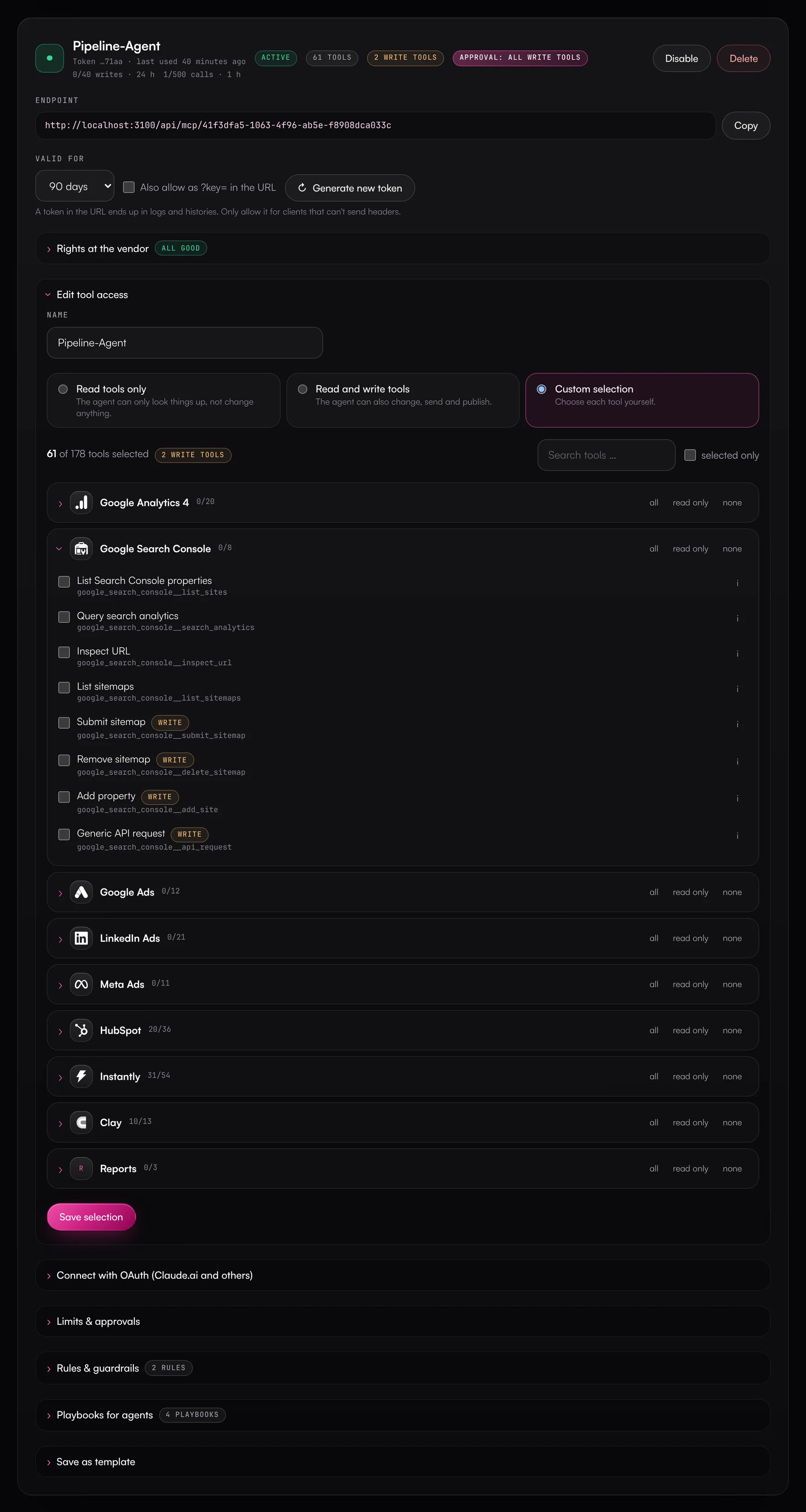
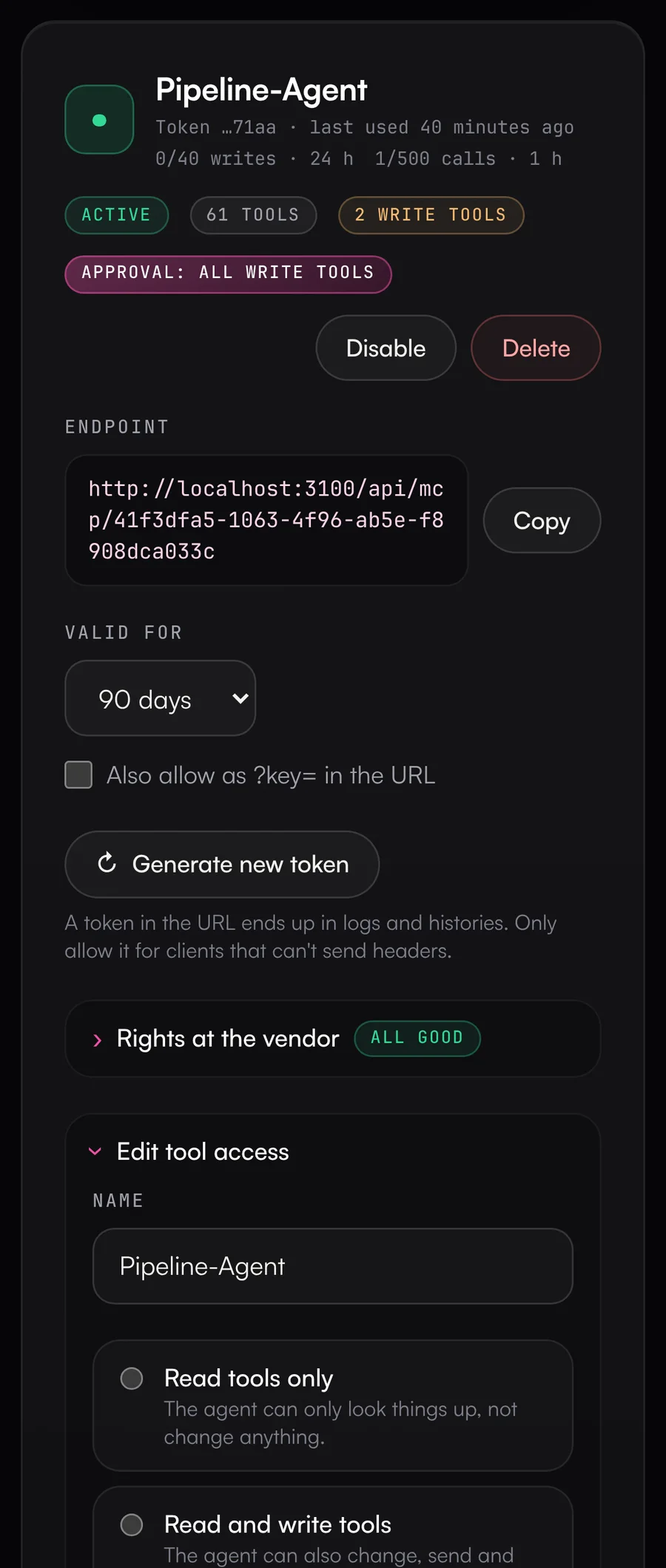
Every agent gets set up differently
One gets every tool, the next too few, and the instructions live in some prompt doc. The weekly report looks different every week depending on who asked and how. Everyone decides on their own which actions may run without asking.
What the Data Hub does.
Ready-made MCP servers for reporting, CRM, outbound and ads, plus playbooks that show up as commands in your AI client.
- 01
Six templates for common jobs
A new MCP server starts from a template or from your own tool selection. Templates only include tools from connected sources and tell you when one is missing.
- Reporting: read-only tools from Analytics, Search Console, Google Ads, LinkedIn, Meta, HubSpot, Salesforce, Instantly and HeyReach, plus the cross-source reports
- Pipeline upkeep for HubSpot or Salesforce: notes, tasks and activities without asking; creating and changing records with approval; deletes blocked
- Outbound: Instantly, HeyReach, Clay and Lusha. Lead status and pausing run directly; launching, adding leads, Clay runs and Lusha reveals need approval
- Campaign management: pausing and negative keywords without asking; budgets and new ads with approval
- Intent signals: match visiting companies from SalesViewer and LinkedIn engagement from Fibbler with the CRM. CRM tasks and notes without asking; other changes with approval
- Handoff & projects: won deals as tasks in ClickUp and handoff pages in Notion. Comments and checklists without asking; creating and changing with approval
- 02
Turn any server into a template
Once a server is set up the way you want, an admin saves it as a template, including tools, rules, limits, approvals and playbooks. It's then available to every business unit in your organization. Settings are copied when a server is created, and from then on you adjust it like any other.
- 03
Eight built-in playbooks
Playbooks name the right tools, ask for a summary and your OK before every change, stay within the guardrails and run the fact check before reporting numbers.
- Weekly pipeline report and CRM deal hygiene
- Webinar leads to CRM
- Campaign audit (ads) and ad ROI review
- Traffic and conversion report, SEO quick wins
- Outbound review
- 04
Commands in your AI client
In Claude, VS Code, Cursor and other clients that support prompts, playbooks show up as server commands, such as /weekly_pipeline_report. Other clients get them through the revprime__playbooks tool. A server only offers playbooks whose sources it has, and you can narrow the selection per server.
- 05
Your own playbooks per organization
Admins write their own instructions with up to three inputs, like a segment or a period with a default value, and specify which sources they need. Templates and playbooks are all listed on the Library page.
What you should know.
- Playbooks are instructions and grant no permissions. What the agent may do is still decided by the server's enabled tools, rules and guardrails.
- How closely an agent follows a playbook depends on the model.
- Changes to a template don't affect servers already created from it.
Frequently asked questions.
›Can I change a server after creating it from a template?
Yes, like any other server. The template only applies at creation, and later changes to it don't carry over to existing servers.
›My AI client doesn't show commands. Can I still use playbooks?
Yes. The agent fetches them through the revprime__playbooks tool. Just tell it which playbook to run.
›Who can create templates and playbooks?
Platform and organization admins. Custom templates are available to every business unit in your organization. Locked rules only stay locked when an admin applies the template.
›Why do templates stay under 100 tools?
Some clients, including GitHub Copilot, Copilot Studio, Gemini Enterprise and Windsurf, stop working reliably with more. Several servers split by task work better than one big one.
- Guardrails & approvalsRules, approvals and limits for agents that write to your CRM and ad accounts.
- ReportsAd spend from Google Ads, LinkedIn Ads and Meta Ads against deals and revenue in HubSpot, in a single call.
- AI clients & MCPClaude, ChatGPT, Gemini, Copilot, Grok, Perplexity, OpenClaw, n8n and others sign in and get exactly the tools you enable.
See it with your own tools.
In 30 minutes, we'll show you the Data Hub with your own tools and your use case.