


One library for every asset, the current version everywhere.
The Content Hub is the one place for your assets. Campaigns, decks and deal rooms link to it instead of copying, so they always show the current version. You share things outside with an expiry date, and files marked internal can't be shared at all.
- Uploads up to 1 GB
- Full-text search in PDF and Office files
- Share links valid 1 to 90 days
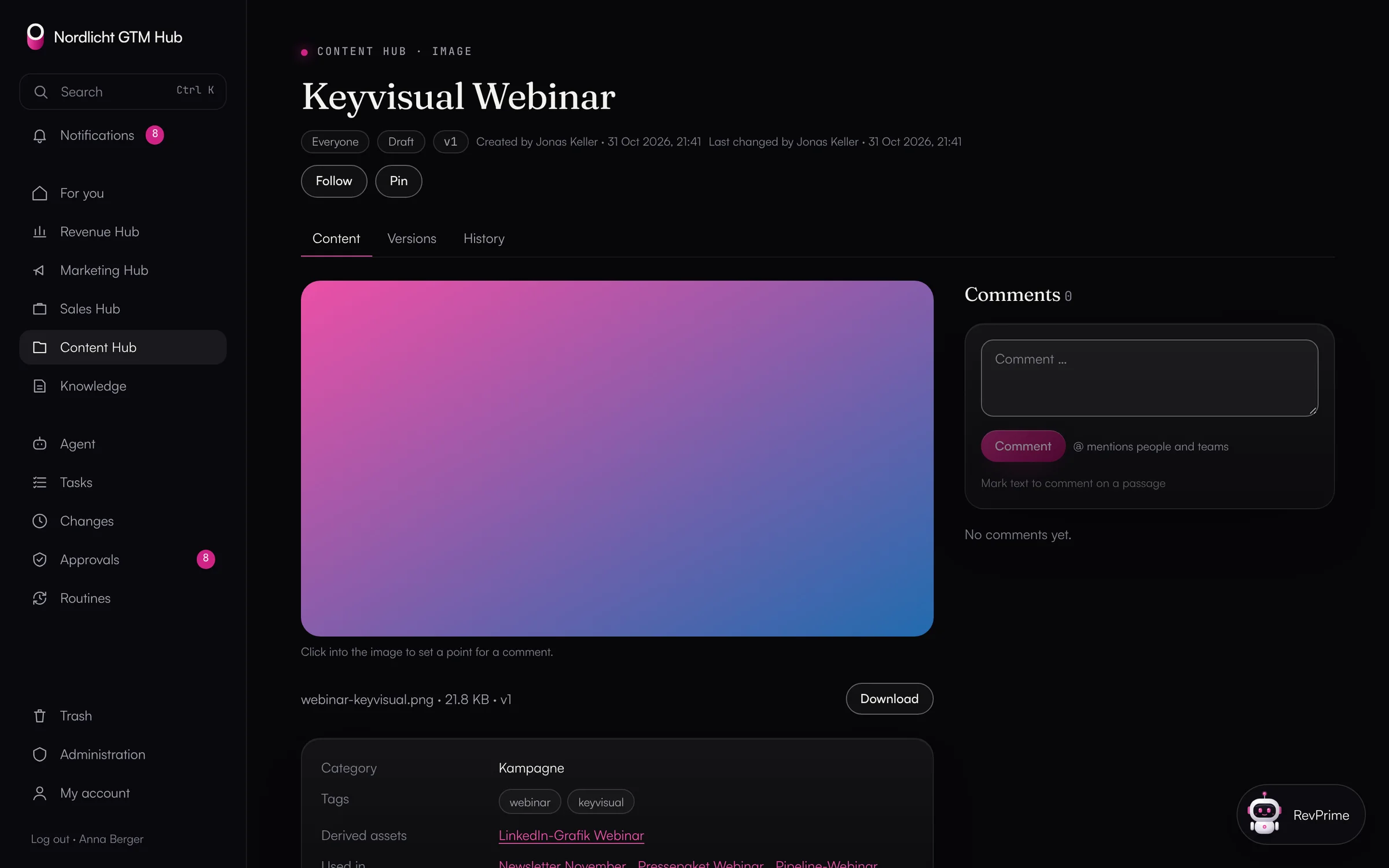
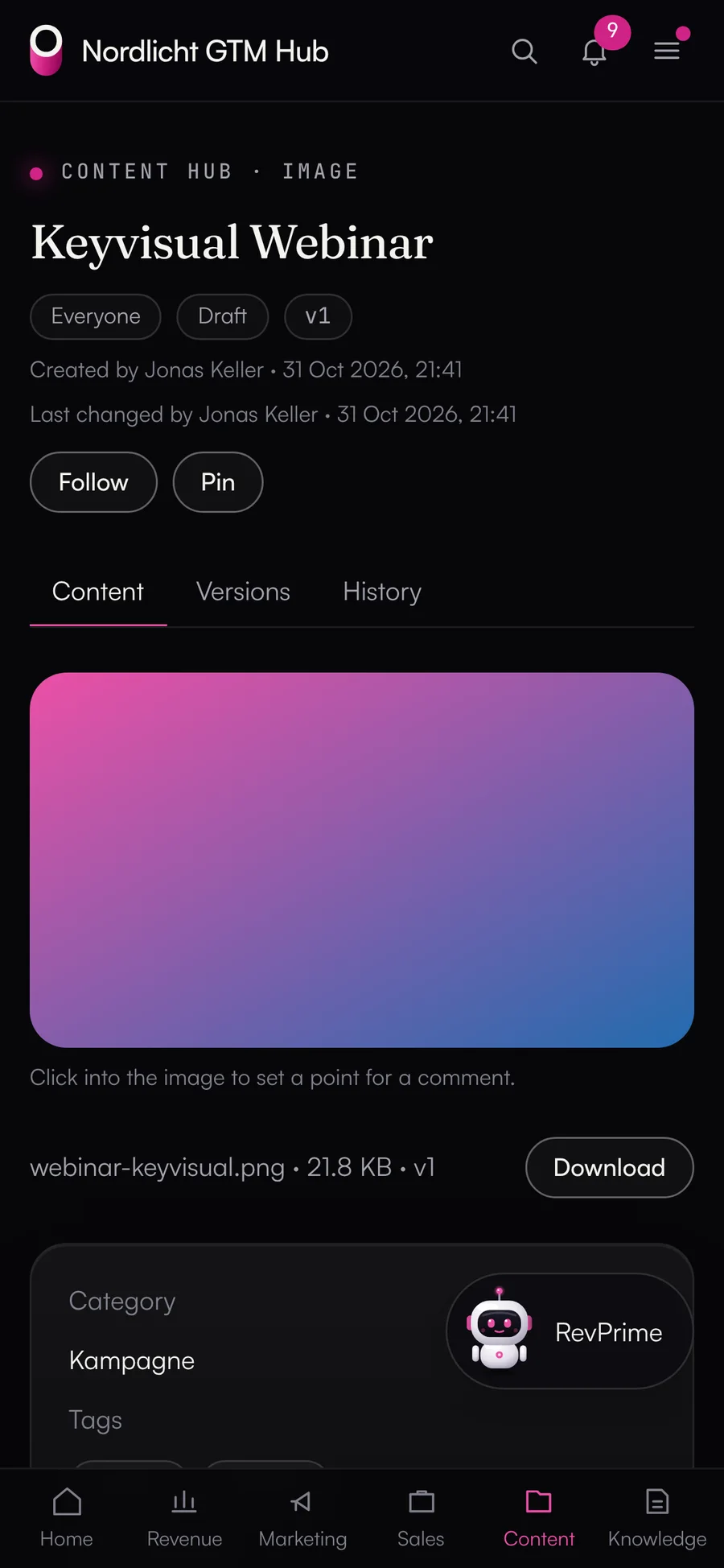
The logo lives in three folders, in two colors
Assets sit on drives, in chats and in email attachments. Whoever looks for the current key visual finds an old one, and anything that once went out by link stays out there.
What the GTM Hub does.
Images, videos, PDFs and texts with versions, an editorial plan, packages and share links.
- 01
Library with folders and search
Folder tree, categories, tags and alt text. Search also finds text inside PDF, Word, PowerPoint, Excel, Markdown, CSV and HTML files.
- New content inherits its folder's visibility
- Comments pinned to points on images
- 02
Versions instead of copies
A new file on an asset is a new version, and files are never overwritten. “Restore” makes an older version current again. “Derived from” and “Used in” show where an asset turns up.
- 03
Editorial plan
The plan shows posts with channel, status (idea, draft, scheduled, published), date and time, a link to the published post and the linked assets, as a month calendar, a list or a board. You set the channels yourself.
- 04
Sharing outside
Share links for an asset or a package, valid 1 to 90 days, optionally view-only. Only a hash of the link is stored, and views by people are counted.
- Internal assets can't be shared, not even through the database
- An asset later marked internal disappears from existing links
- Packages with ZIP download for signed-in users
- 05
Uploads and delivery
The browser uploads straight into private file storage, up to 1 GB. The GTM Hub checks the file type from the file's first bytes. Files are delivered through signed links valid for 15 minutes and tied to the signed-in person; HTML and SVG only in a sandbox.
What you should know.
- Image formats per channel from one original are planned.
- A recipient can still screenshot or save something shown as view-only.
- Agents can't create or end share links.
Frequently asked questions.
›How do agents get files in?
Through MCP or the API, an agent gets an upload link valid for 15 minutes that only writes to its own path. It then creates the asset as a proposal that a person confirms.
›When is a file deleted?
Only when the asset is deleted for good: after 30 days in the trash, or by an admin. The hub cleans up uploads that nothing refers to after 24 hours.
- Sales HubDeal rooms, decks with customer versions, offers with approval and a deal radar for the open pipeline.
- Marketing HubCampaigns with landing pages, emails, ad copy and posts, with versions, approvals and channel dashboards.
- Collaboration & knowledgeHistory, versions, comments, tasks, approvals, knowledge and dashboards, the same in all four hubs.
See it with your own tools.
In 30 minutes, we'll show you the GTM Hub with your own tools and your use case.