


One deal room per prospect, one radar for every open deal.
The Sales Hub brings together what your sales team shows a prospect and counts the views, without collecting personal data. The deal radar reads your open deals from HubSpot through the Data Hub and tells you which ones need attention, and why.
- Up to 20 personal links per deal room
- Discounts only with four-eyes approval
- A traffic light with reasons, not a score
The offer is in someone's inbox, the deck is on version 7
After the meeting, your sales team sends a PDF, a deck and an offer to three people. Which version counts, who read what and which steps are left before signature ends up scattered across several inboxes.
What the GTM Hub does.
Deal rooms, decks with customer versions, offers with approval and a deal radar for the open pipeline.
- 01
Deal rooms
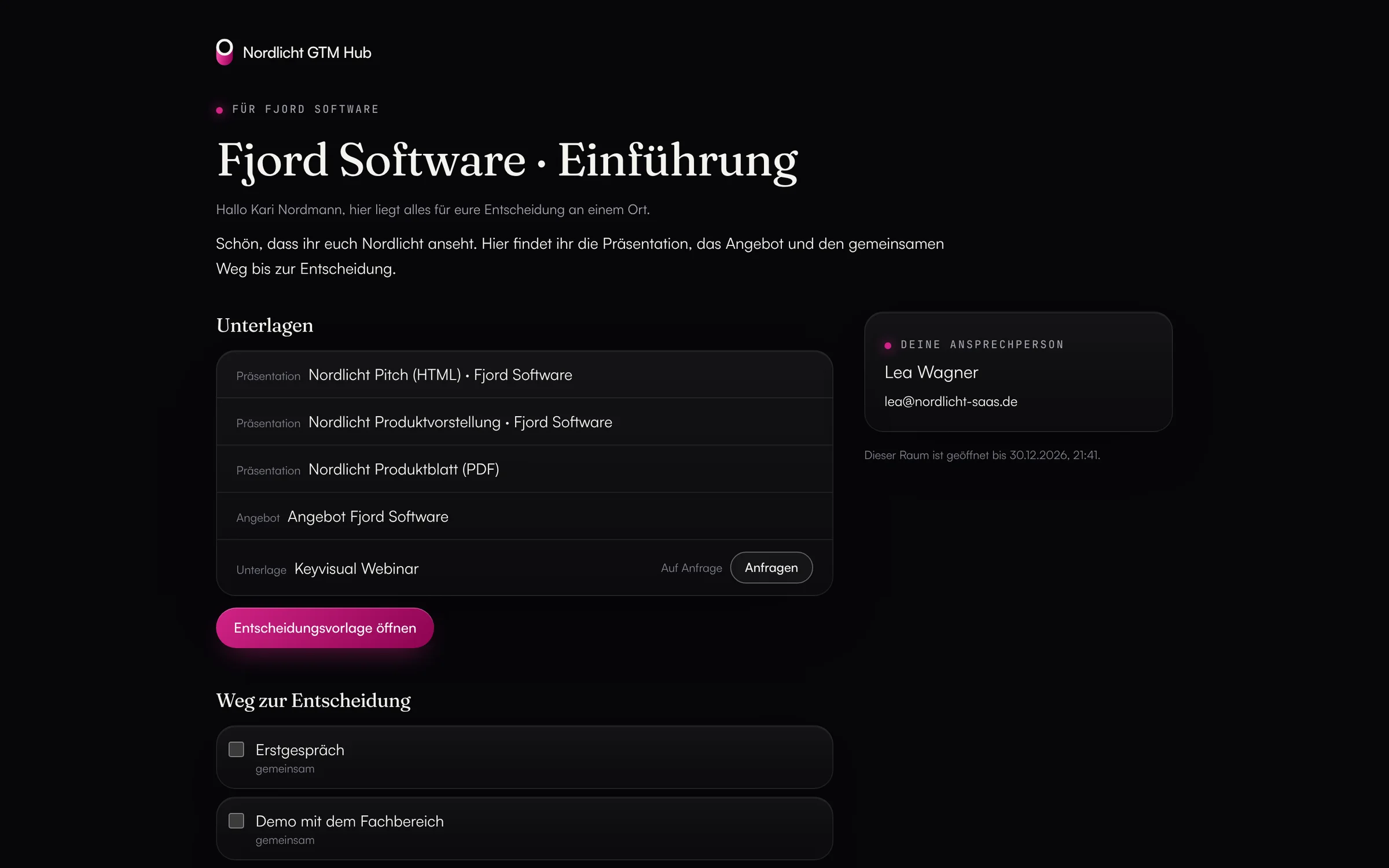
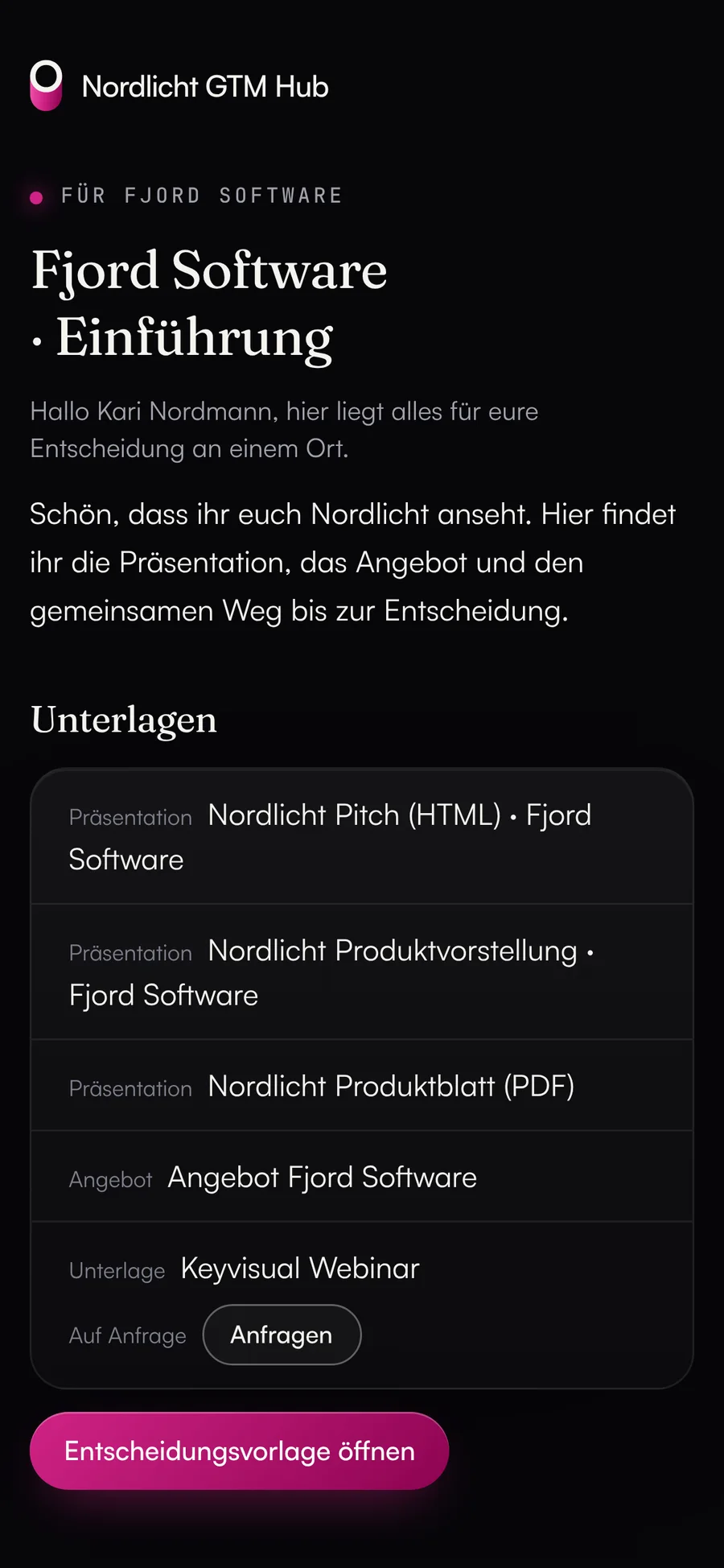
One page per prospect in German or English, with decks, files, offer, a welcome note and a decision memo (situation, solution, benefits, timeline, investment from the approved offer). A room stays open for up to 90 days and can be linked to a HubSpot deal.
- A path to the decision with steps for you, the customer or both
- The customer ticks off steps, asks questions and requests documents “on request”
- Internal assets never appear in a room
- 02
Personal links and views
Each person on the buying committee gets their own link, up to 20 active per room, and you can end any of them at any time. Views are counted per link and document; only the link, the document and the time are stored.
- No IP address, no device
- Link previews from Outlook, Teams or Slack, bots and your own visits don't count
- After more than two hours of silence, the hub reports “Customer opened the deal room”
- 03
Decks and customer versions
Decks as an HTML archive with their own scripts, animations and videos, as a PDF, or as slides in the hub. A customer version points to the slides of the base deck and follows their changes; its own slides apply only to that customer.
- Player with keyboard control, full screen and slide overview
- If a slide goes missing after an update, the owner is notified
- German and English version per deck
- 04
Price catalog and offers
Admins maintain products, units and list prices. The hub calculates offers exactly, in cents. At list prices, the author approves the offer; discounts, prices below list or custom line items need a second person.
- Customers only see approved offers, and only in their own room
- Amounts in the decision memo come only from the approved offer
- 05
Deal radar
It reads open HubSpot deals fresh through the Data Hub on every visit and checks for warning signs: no next step, only one or no contact, no contact for more than 21 days, close date passed, deal room opened three times in seven days with no contact since.
- Red if the close date has passed or there are two signs, yellow for one
- A suggested next step and “Create task” for each deal
- Reps see their own deals; admins and CRM teams see all of them
What you should know.
- The deal radar and deal linking work with HubSpot and its standard fields today. Salesforce and custom fields will follow.
- Views as notes on the HubSpot timeline and time spent per slide are planned.
- Upload PowerPoint decks as a PDF export.
- Customers only get into a room through their personal link; they don't get an account.
Frequently asked questions.
›What does the customer see?
Their documents, the offer, the decision memo, the path to the decision and their contact person. They don't see other rooms, internal assets or the hub itself; the link opens only that one room.
›Can the agent create a deal room?
It can propose one. Agents can't create links, release content to customers or approve offers. They can only propose answers to customer questions.
›What does view counting store?
Only the link, the document and the time of each view. From that, the room shows the number of views and the first and last visit per link, and the views per document.
- Content HubImages, videos, PDFs and texts with versions, an editorial plan, packages and share links.
- AI agent & routinesOne agent in every hub, scheduled routines and MCP for Claude, ChatGPT and Claude Code. Changes only as proposals.
- Revenue HubBusiness plan, plan vs. actual and budget vs. spend with figures from your CRM and ad accounts.
See it with your own tools.
In 30 minutes, we'll show you the GTM Hub with your own tools and your use case.