


Put your budget where pipeline comes from.
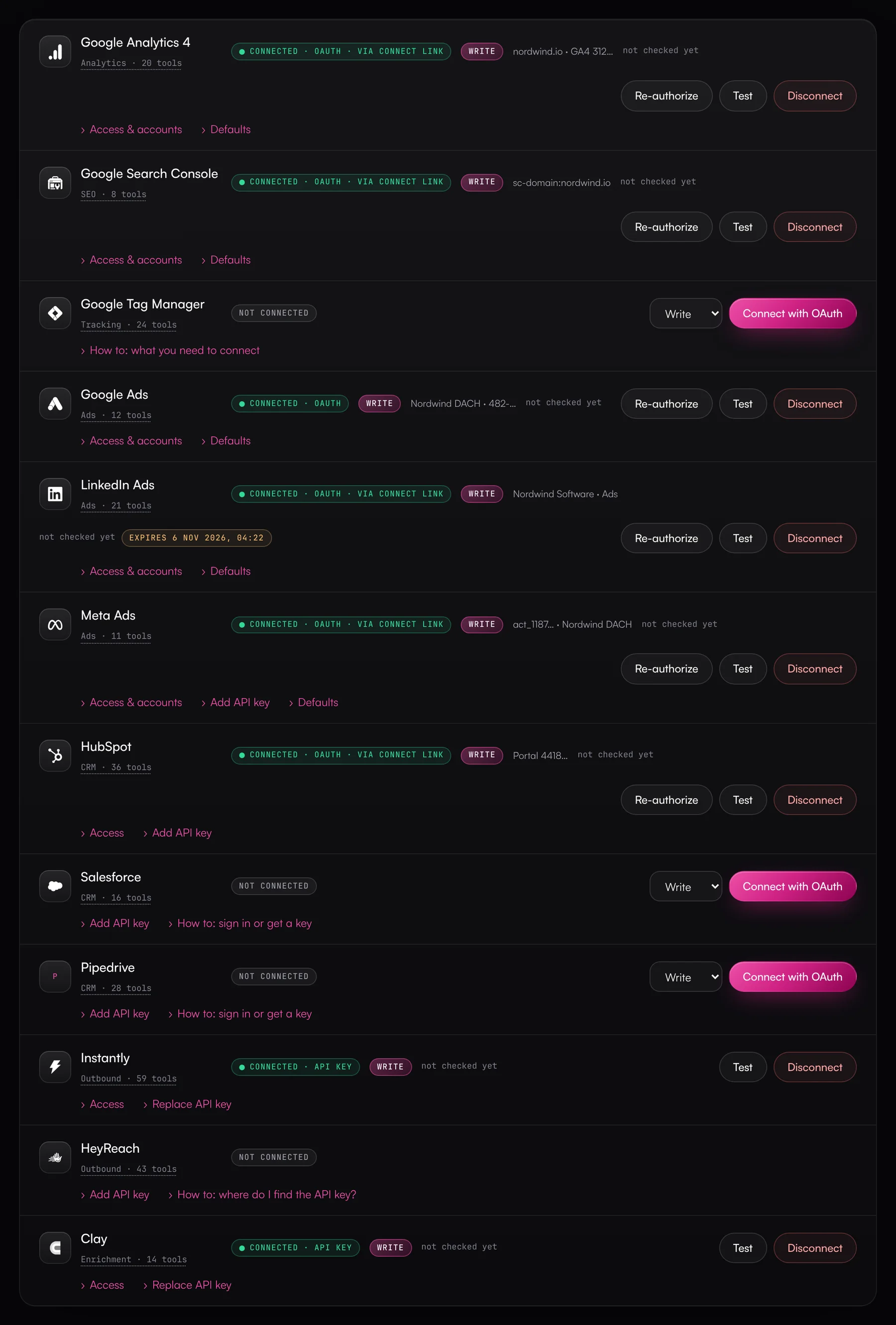
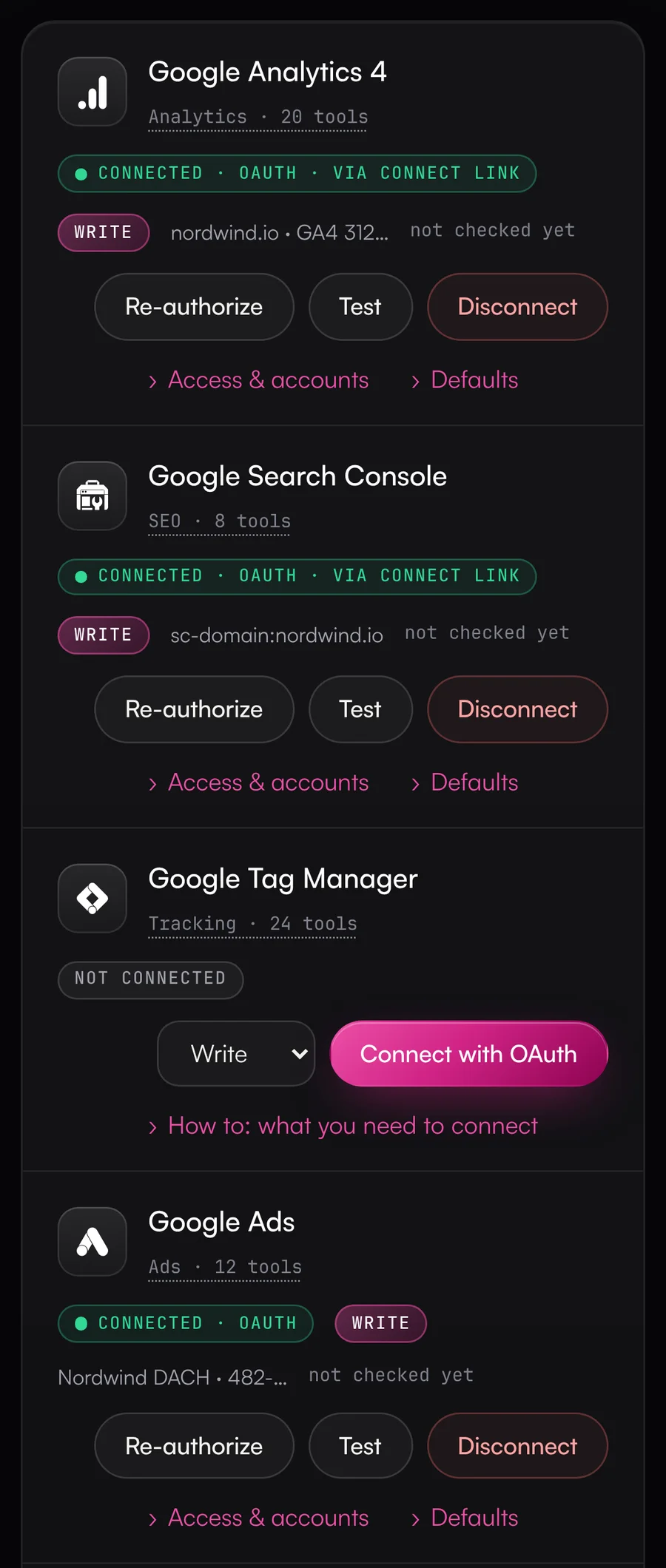
LinkedIn reports leads, Google Ads reports conversions, and the pipeline in your CRM tells a different story. In the Data Hub the agent reads the ad accounts, GA4 and the CRM together and matches spend to deals. You decide which campaign changes it can make without asking and which need approval.
- Google Ads, LinkedIn Ads and Meta Ads
- Cost per opportunity by campaign
- Changes with approval
What slows you down today.
Every platform counts differently
Conversions in Google Ads, leads on LinkedIn, results on Meta, key events in GA4. Turning that into one pipeline figure takes days in spreadsheets.
Reporting eats your week
You pull campaign numbers on Monday, rework them for the sales sync on Wednesday, then once more for management on Friday. That leaves you little time for optimizing.
UTM chaos in the CRM
Campaign names in the UTMs don't match the names in the ad accounts. Part of your pipeline can't be tied to any campaign.
An agent with budget rights makes you nervous
One wrong daily budget costs real money. Without approval and a log, you won't leave that to an agent.
One thing leads to another.
From bottleneck to result in five steps.
- 01
You're measured on pipeline.
Clicks and leads are steps along the way. Management wants to know which campaign brings opportunities and revenue.
- 02
The answer sits between the ad account and the CRM.
The Data Hub joins spend per campaign from Google Ads, LinkedIn Ads and Meta Ads with the contacts and deals in HubSpot, through utm_campaign or the campaign ID.
- 03
UTM gaps become visible.
The report lists UTM values with no matching campaign. You close the gap by mapping UTM values to campaigns, and nothing is stored.
- 04
The agent knows each platform's traps.
Every result comes with the field definitions, such as costs in micros in Google Ads, budgets in cents on Meta and rates in GA4 as fractions rather than percent.
- 05
Changes stay under control.
You decide what needs approval. With the “Campaign management” template, the agent can pause and add negative keywords, while budgets and new ads wait for approval. New campaigns start as drafts or paused, most Google Ads changes start as a dry run, and you can revert status changes in the activity log.
What this looks like day to day.
- 01
Campaign ROI in the monthly review
Monthly review or budget planning- The agent pulls spend per campaign from Google Ads, LinkedIn Ads and Meta Ads.
- It matches it against contacts, deals and won revenue in HubSpot.
- You end up with a ranking by cost per opportunity and ROAS.
ResultYou plan the budget by pipeline without spending a week merging exports.
Uses


- 02
Morning budget pacing
Every day before work starts- The agent compares spend per campaign with the monthly plan.
- It spots over- and underdelivery and suggests adjustments.
- It prepares Google Ads budget changes as a dry run. They only go through once you approve.
ResultAt the end of the month, the budget is neither gone early nor left over.
Uses - 03
Webinar leads to CRM
After every webinar or event- The agent checks the attendee list against the CRM and finds duplicates.
- It fills in missing company data through Clay.
- Once you say OK, it creates the new contacts with a follow-up task for the owner.
ResultLeads reach the right owner the same day and don't sit in a spreadsheet for a week.
Uses
- 04
Finding the leak in the funnel
Your conversion rate drops and nobody knows why- The agent reads the path from landing page to form in GA4 and checks search queries in Search Console.
- Lifecycle stages in the CRM show it where MQLs get stuck.
- It names the most likely causes and backs them up with numbers.
ResultYour team and sales look at the same data and stop arguing about whose fault it is.
Uses

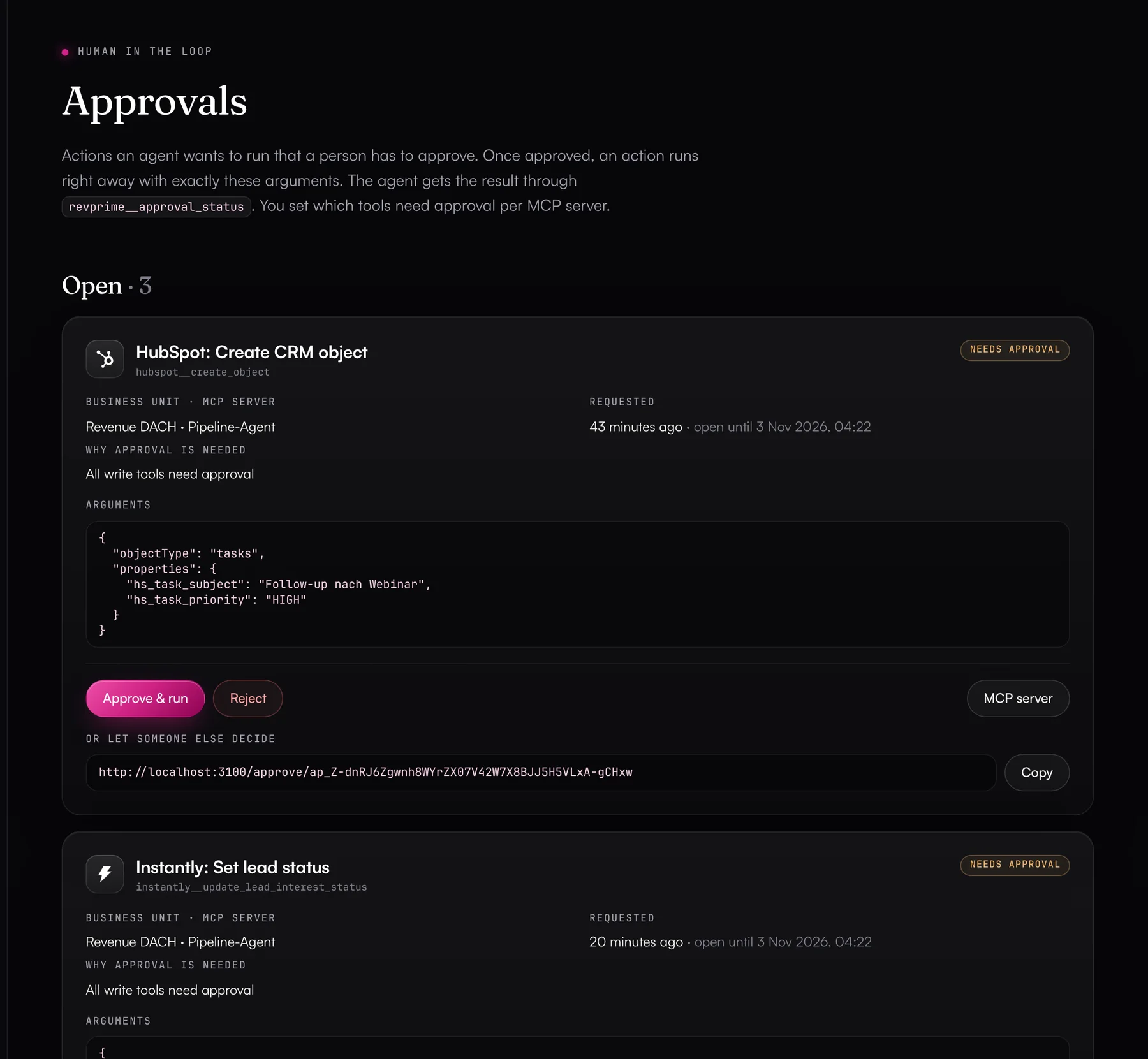
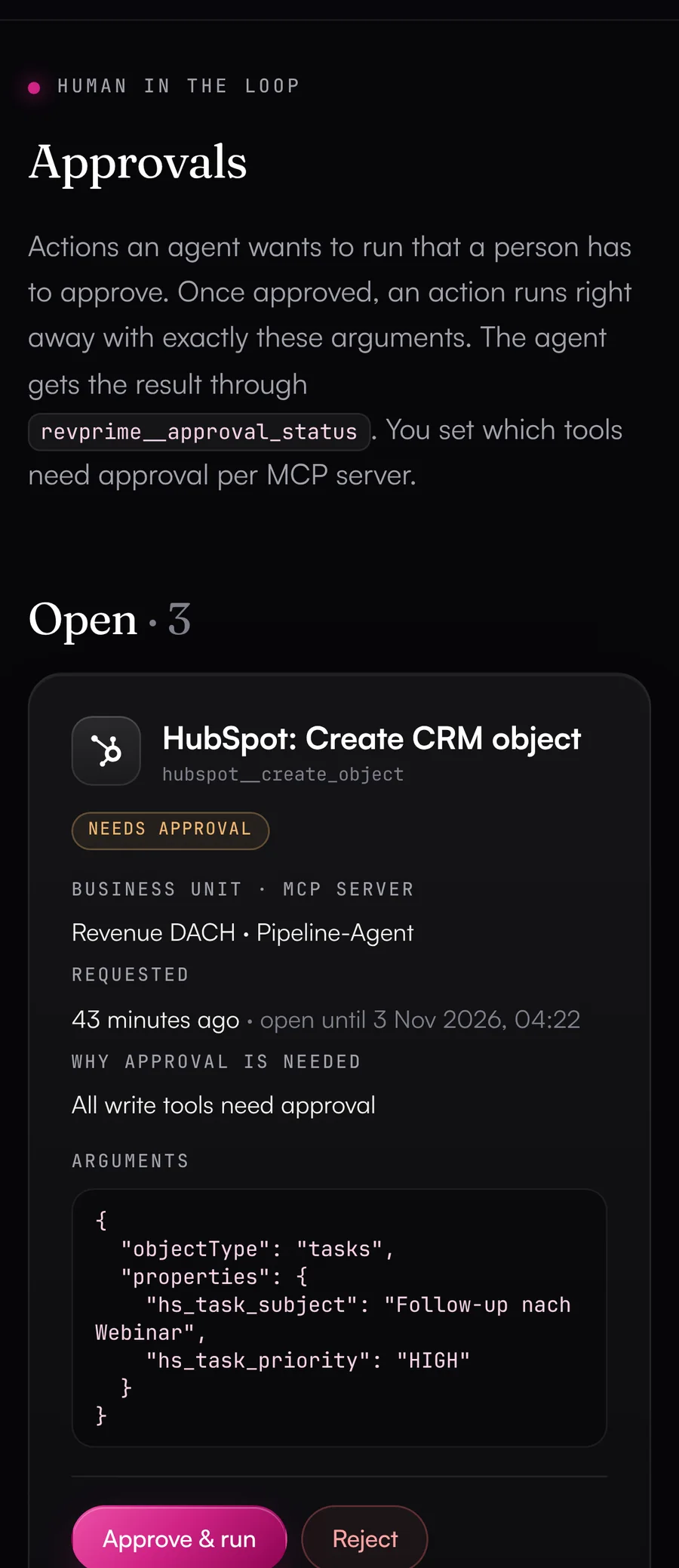
The agent changes budgets only after your OK.
Write actions can wait for confirmation in the Data Hub, in Slack or through a link. There you see every argument, such as the campaign and the new daily budget.
Campaigns with approvals and figures down to pipeline.
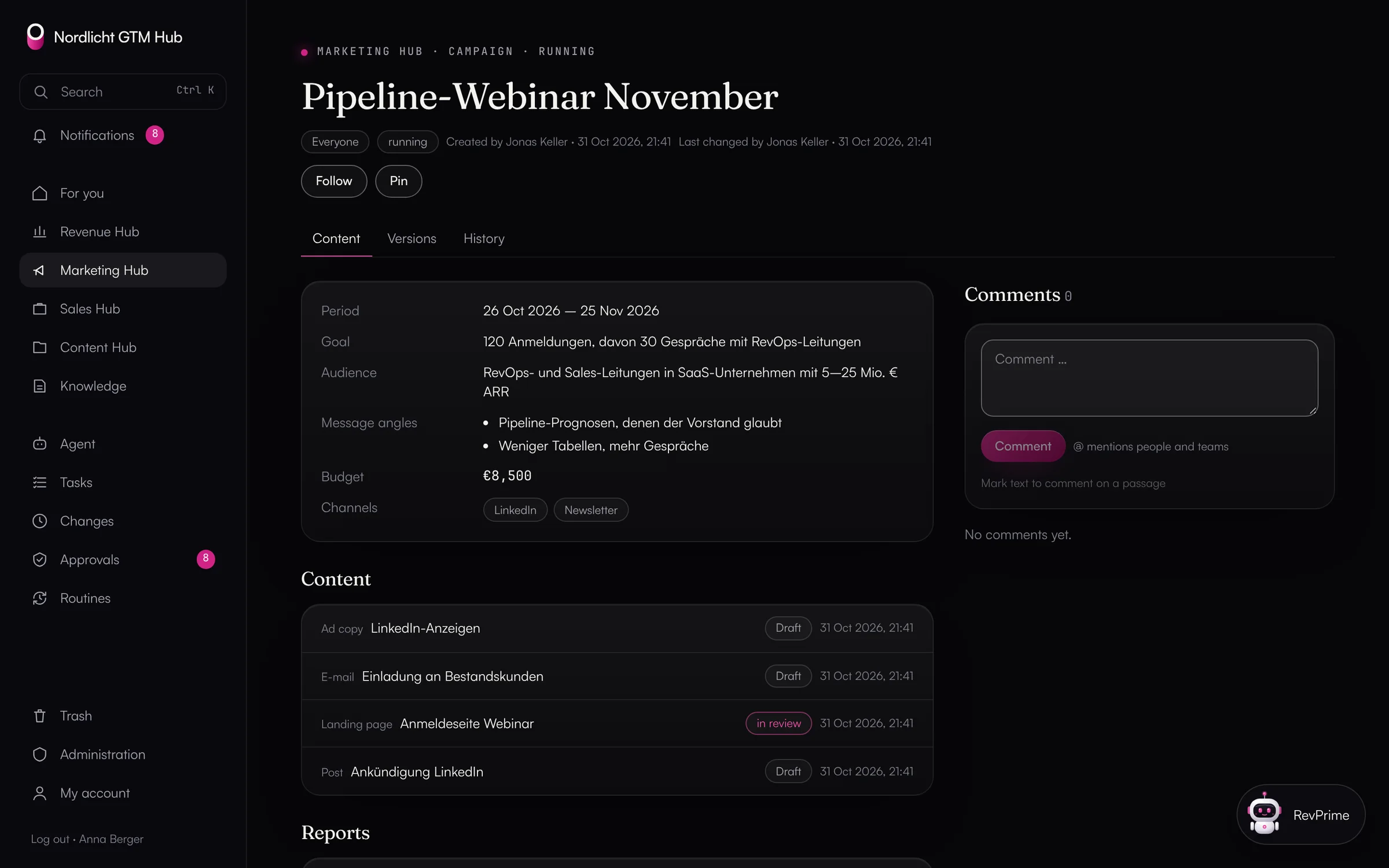
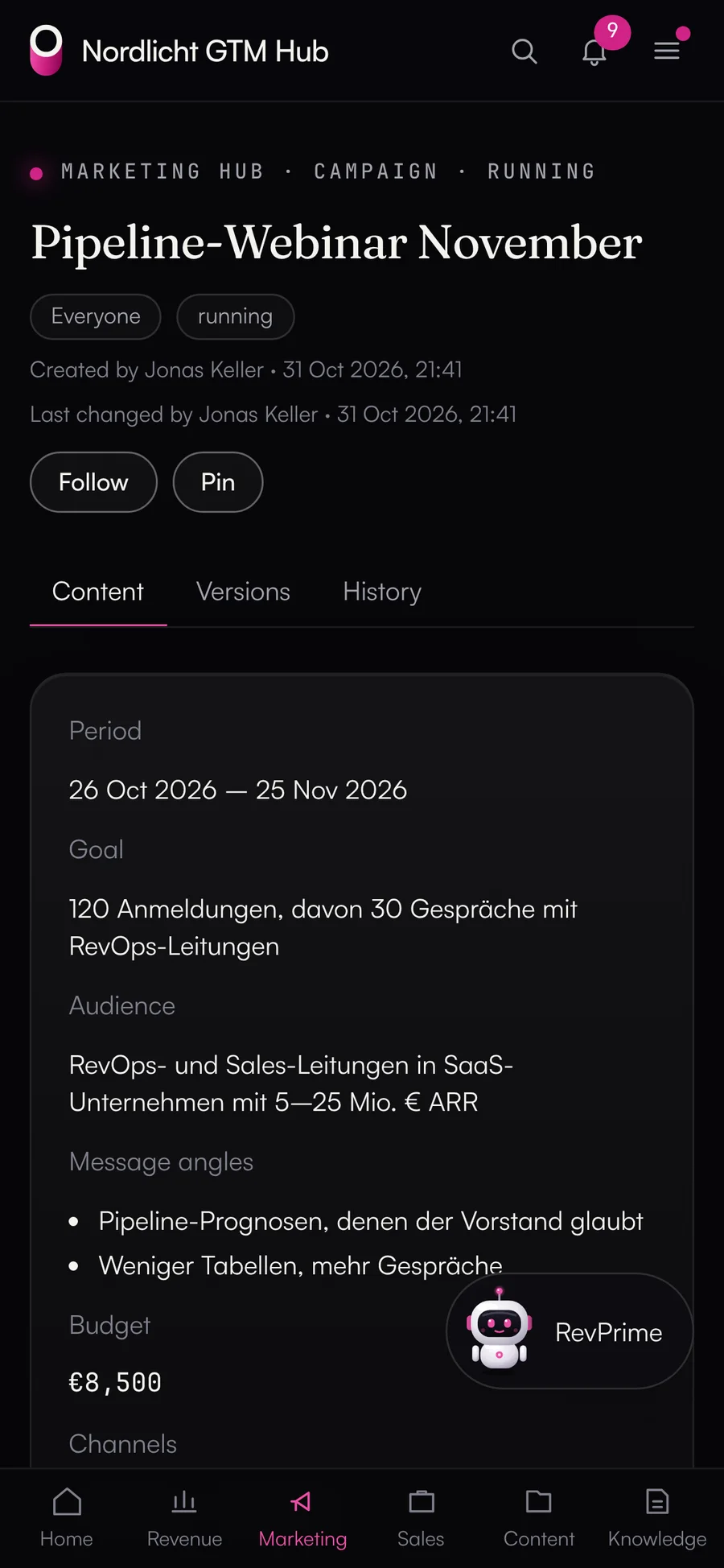
In the Marketing Hub, landing pages, emails, ad copy and posts hang off the campaign, each with versions and a four-eyes approval. Channel dashboards show cost per lead and per opportunity, with figures from the Data Hub.
- Content rules the agent checks every item against
- Assets from the Content Hub instead of copies
- Editorial plan with channel, status and date
- Conversation insights: objections and competitors from calls as content ideas
Built for marketing and demand gen.
Ad spend against pipeline
Campaign ROI and channel report: cost per contact and per opportunity, open pipeline, won revenue and ROAS, by first or last touch.
All ad accounts in one place
Google Ads, LinkedIn Ads and Meta Ads each have a list of allowed accounts. The agent reaches only the ad accounts you put on it.
Field definitions
Every result comes with what its fields mean: unit, currency, time zone and the usual traps of that platform.
Approval before budget changes
If you want, budgets and new campaigns wait for confirmation in the Data Hub, in Slack or through a link. You can let pausing run without asking.
Careful defaults
New campaigns start as drafts or paused, and most Google Ads changes run as dry runs by default.
Read-only for reporting
A reporting agent gets read access only. For GA4, Search Console, Tag Manager, LinkedIn and Meta, the Data Hub then requests only read permissions from the vendor.
The tools you already use.
- Google Ads→
- LinkedIn Ads→
- Meta Ads→
- Google Analytics 4→
- Google Search Console→
 Google Tag Manager→
- HubSpot→
- Clay→
Frequently asked questions.
›Does this work with our own Google Ads accounts?
Yes, the Google Ads access is meant for your own agents and your own accounts. Since August 31, 2026, Google prohibits hosted intermediary layers that provide Ads functionality to several unrelated businesses. Details are on the Google Ads page.
›What if UTMs and campaign names don't match?
The report lists UTM values with no matching campaign. By mapping a UTM value to a campaign ID or name, the agent can still match them. Nothing is stored.
›Does this work with Salesforce as the CRM?
The “ad spend against pipeline” reports currently run with HubSpot. With Salesforce, the agent reads opportunities and campaigns through SOQL and does the matching itself. The fact check works there too.
›Can the agent create ads?
On LinkedIn it creates creatives from posts or image ads, in Google Ads responsive search ads, and on Meta through Meta's own MCP server (beta). New campaigns start as drafts or paused. You decide what goes live.
- Revenue leadersKnow on Monday where plan, pipeline and budget stand, without anyone building reports. Checked against the source, with controls your IT team can sign off on.→
- Sales & SDR teamsLess CRM upkeep, more time with customers: agents update your deals and tasks within the rules RevOps sets, and deal rooms and the deal radar keep your open deals in view.→
- RevOpsAutomate revenue processes without giving up control: rules, approvals, undo and a log of every call.→
See what this looks like for you.
In 30 minutes, we'll show you the GTM Hub and the Data Hub with your own tools and your use case.